Guides
Part of Choosing help for a motel exterior: questions to settle before you hire
How to keep motel exterior hiring records that hold up under review
Motel exterior hiring files for 2027 hold provider replies, scope versions, source images, and closeout status so each decision stays traceable.
A hiring file answers one question: what did each provider receive, say, propose, and later report? Get that in writing and you can compare replies without guessing.
Without it, a phone promise becomes a fact in someone's memory. A quote loses the exclusions it came with. A paid profile starts to look like independent research.
This guide covers the record side of a motel exterior job. It does not pick a provider, decide which credentials a trade needs, or rule on whether a proposed task suits your property.
What to take away
- Open the project file before the first call, not after the first invoice.
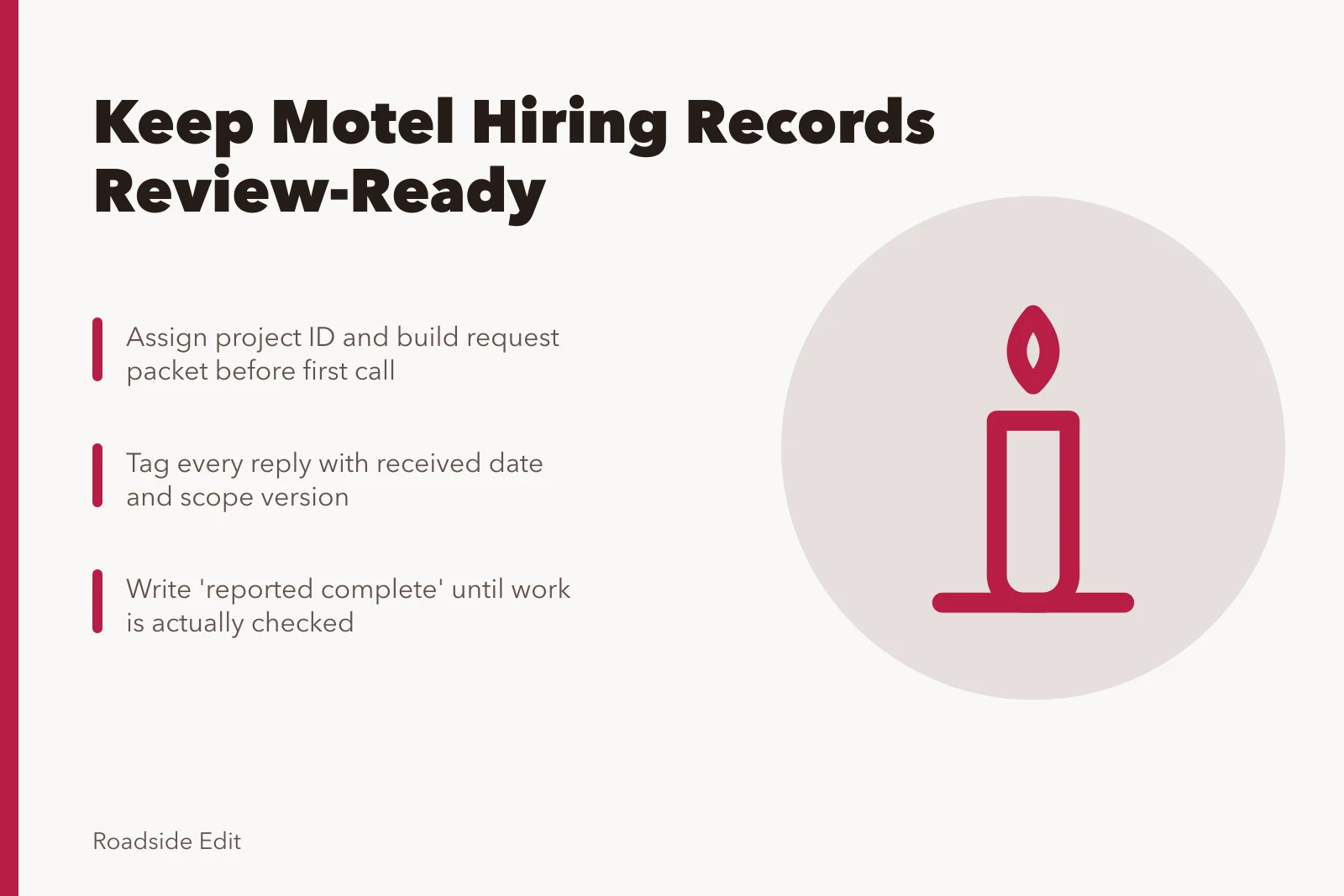
- Give every reply a received date and a scope version, so V1 and V2 totals never get mixed.
- Keep the request packet attached to each response it produced.
- Store paid listings and editorial evidence in separate folders.
- Write "reported complete" until someone actually checks the work.
Open the file before the first call
Assign a project ID, then build a request packet. The packet carries the exterior area, the known facts, the photographs you have, and where access stops. It also names who on your side makes the call, and the exact question you are sending.
Send the same packet version to every provider you invite. Change one line and it becomes a new version, with a note to each recipient saying what moved.
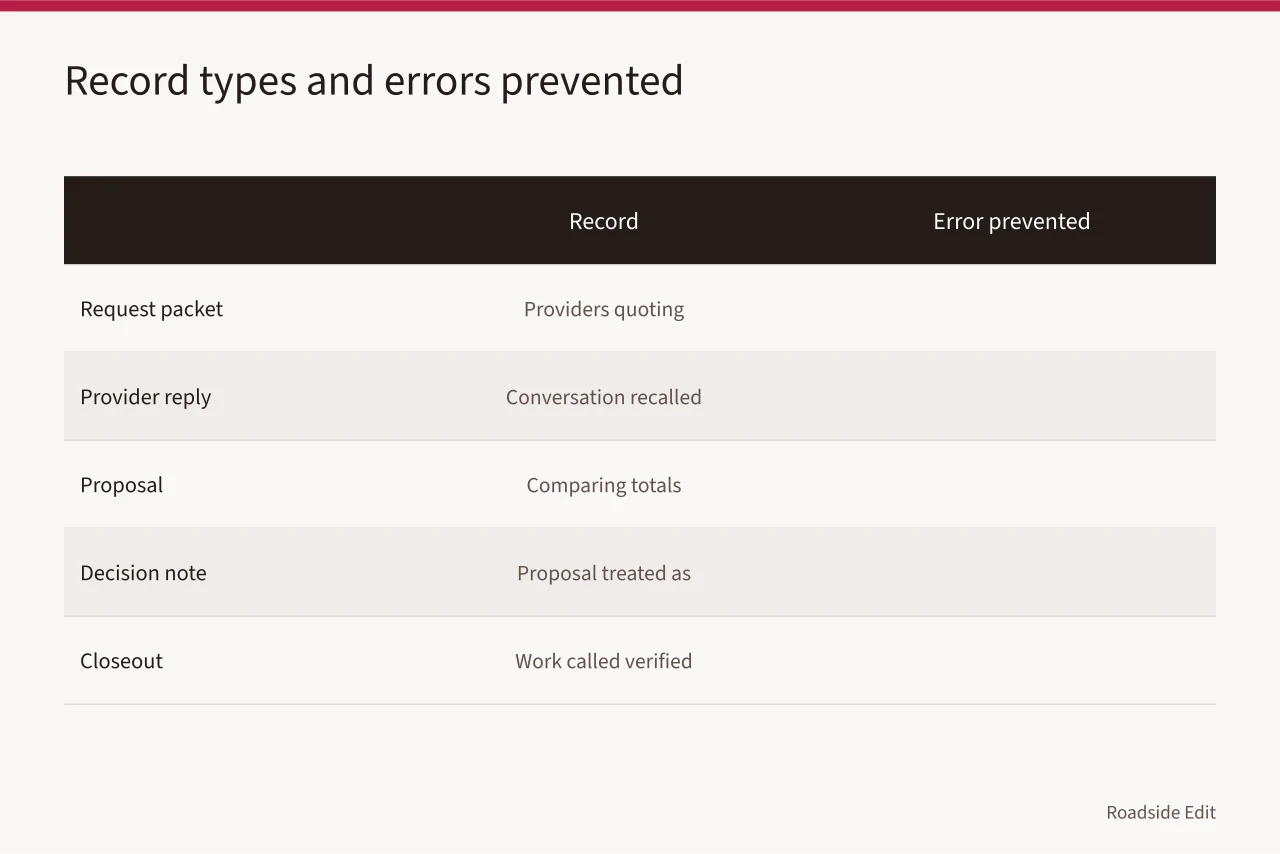
| Record | Required fields | Error it prevents |
|---|---|---|
| Request packet | Area, date, facts, access limit, question | Providers quoting different tasks |
| Provider reply | Sender, received date, exact wording | A conversation recalled as a guarantee |
| Proposal | Version, scope, assumptions, exclusions | Comparing totals across different scopes |
| Decision note | Criteria, owner role, date | Treating a proposal as approved work |
| Closeout | Reported work, source, open questions | Calling work verified without evidence |
Label each entry reported by provider or owner-approved. Never done. The file should always show who said it.
Pin source images to their catalog record
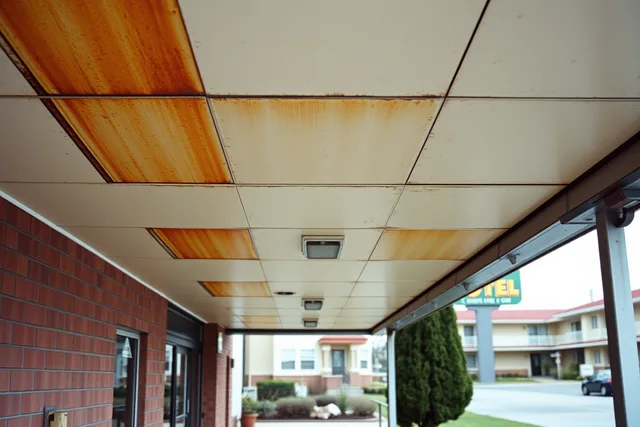
A photograph helps a provider find the feature you mean. It does not prove current condition and it does not authorize anything. Keep the source, date, place, and viewpoint beside the image, plus a line on what the image cannot settle.
The Library of Congress Prints and Photographs Online Catalog publishes catalog records and digital images from its Prints and Photographs Division and other units. A catalog page supports the title, collection, and image details it actually states, and nothing further.
File that specific record page next to the image. A search result or a copied caption is not the same record.
Keep scope versions apart
Scope drift is the fastest way to make two replies look comparable when they are not. A first request may cover a sign face. A later one adds removal, wiring, paint, or a moved deadline. Those are new inputs, not footnotes.
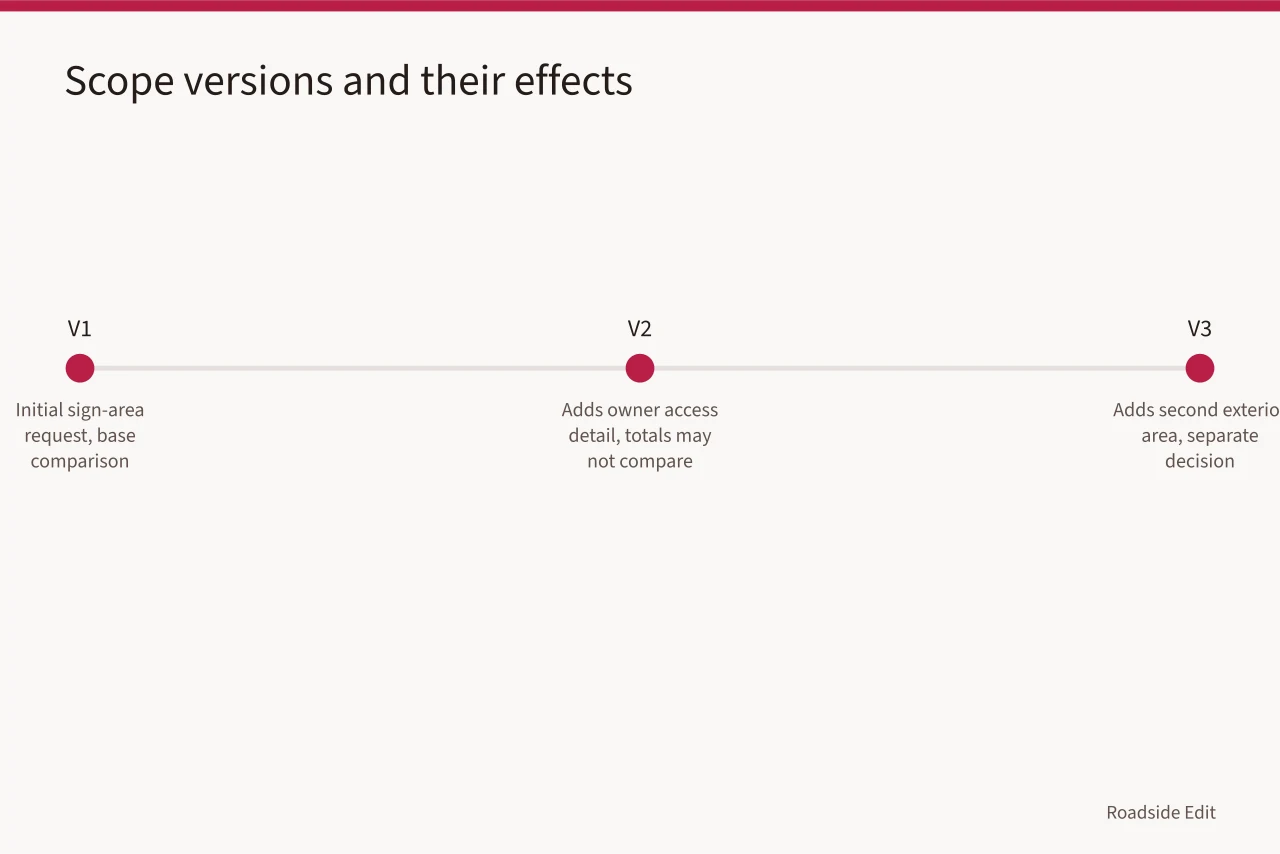
Never pair a V1 proposal with a V2 proposal and call the difference a price gap. The gap may come from your own packet. Keep the exact version attached to every reply it produced.
The Federal Trade Commission's home-improvement project guidance tells consumers to get written terms and to slow down under high-pressure sales. It is not a procurement rule for a motel. It supports one habit: promises, schedules, costs, and change statements stay in writing, attached to the version under discussion.
Record the selection without rating anyone
A decision note states which reply you chose and why, using criteria you set in the request. Scope match, stated exclusions, timing, access assumptions, and documentation supplied all work. So does a need for more review before deciding.
Write nothing about a non-selected provider's skill or honesty. If nobody is selected, say so in neutral terms: scope did not match, details were incomplete, timing did not fit, or the decision is pending.
The National Archives holds records that share a project, transaction, or subject together when that relationship supplies context. Read the National Archives recordkeeping requirements. That policy governs federal agencies, not private hiring files. The parallel worth copying is keeping request, reply, proposal, decision, and correction as one traceable history.
Separate a paid listing from decision evidence
A provider may later buy a listing or submit a profile. That material belongs in a commercial folder, with the supplied description, the date, the sponsorship status, and any edits you made.
A paid listing never stands alone as support for licensing, availability, quality, or a property's condition. The Federal Trade Commission explains that advertising built to look like independent content must still read as advertising. Read the FTC native-advertising guide. It does not rate contractors. It does require a visible line between commercial material and editorial evidence.
Close out with the status the file supports
After a visit or a reported completion, save the source document, the date, the affected area, and anything still open. An invoice in the folder does not make the work verified. If the only support is a provider message, "reported complete" is the accurate status.
A final internal note states four things:
- What the provider or owner reported.
- Which documents and images are in the file.
- What has been independently checked, if anything.
- What the owner, authority, or qualified reviewer handles next.
That last line is where a handoff usually breaks. Name the licensed engineer, electrician, or environmental authority. Do this for anything structural, electrical, or tank-related. Let the authority of jurisdiction set the requirement. The gas station preservation records guide shows the same closeout pattern applied to forecourt and canopy work.
Correct a detail without erasing the old one
Contact information, service descriptions, and project details change. When a credible record forces an update, keep the original entry, add a dated correction, and cite the new source. For published content, fix the detail promptly and keep the correction note in the file.
A silent revision leaves no explanation for why a business name, service area, or caption changed. A dated log lets the next editor start from the current version instead of repeating the older error. The motel exterior hiring checklist walks the same steps as a working list you can run before a site visit.
Common questions
Can a proposal prove the work is necessary?
No. It shows what a provider proposed from the assumptions you supplied. Label it a proposal and keep the request packet that produced it in the same folder.
Where does a provider's paid profile go?
In a commercial folder, with the original submission, the date, the disclosure status, and any approved edits. Never merge it with selection notes or independent evidence.
What belongs in a closeout?
The final scope version, the provider report, the date, and supporting documents. Also the reported status and any open questions. Say plainly whether the work was reported or independently verified.