Guides
Part of Gas station preservation fundamentals: how to report reuse stories with evidence
Gas station preservation fundamentals: how to build a 2027 records file
A 2027 gas station records file works when six named folders hold dated sources, credits, and caption changes beside the claims they support.
Gas station preservation fundamentals start with a file that survives the first draft. Six folders, named once and used every time, let a later editor reopen a source, correct a date, or explain a caption without hunting through email.
What to take away
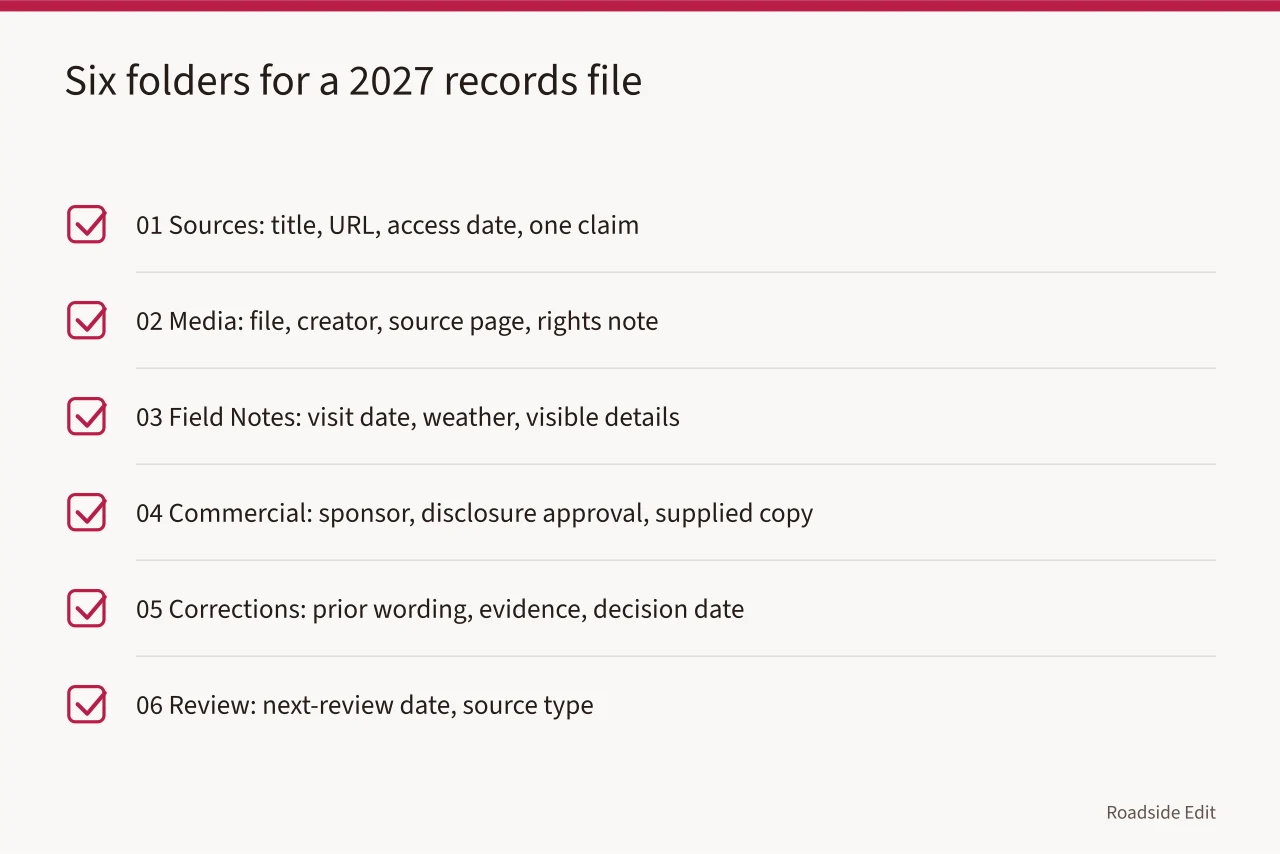
- Six folders: 01 Sources, 02 Media, 03 Field Notes, 04 Commercial, 05 Corrections, 06 Review.
- Every source note carries the narrow claim it supports, not just a URL and access date.
- Media records hold the credit, rights status, and caption limit beside the local file.
- Commercial material stays in 04, apart from historical findings, with its disclosure approval.
- Caption edits get logged in 05 with old wording, new wording, reason, and date.
The six folders, and what goes in each
| Folder | Holds | Kept because |
|---|---|---|
| 01 Sources | Page title, URL, access date, the single claim it supports | An editor can recheck the exact wording |
| 02 Media | File, creator, source page, rights note, caption limit | The credit stays attached to the image |
| 03 Field Notes | Visit date, weather, what was visible from the right-of-way | Separates observation from history |
| 04 Commercial | Sponsor, disclosure approval, supplied copy | Keeps paid material out of the historical record |
| 05 Corrections | Prior wording, evidence received, decision date, revised text | Shows the reasoning, not just the result |
| 06 Review | Next-review date and the source type that set it | Ties review to evidence, not a calendar |
Field notes deserve their own folder because a canopy soffit photographed in flat noon light reads differently than the same soffit at raking angle. Note the light. Note whether the dry-stand pipe was visible or screened by a pump island. Those details decide whether a later writer can use the photo as evidence at all.
The Magnolia Mobil example
The National Park Service's Magnolia Mobil Gas Station history follows one station through several uses and a later restoration as a visitor center. Each stage has its own dates and its own sources.
That staged history is the argument for keeping stages apart in the file. A single sentence calling the property "a restored 1920s station" flattens service-station years, closure, and adaptive reuse into one label. File each stage under 01 Sources with its own date range, and the article can say which stage it means.
Write the limit next to the source
The strongest note records what its source cannot answer. A current business listing does not verify a 1930s construction date. A historic photograph does not establish present condition. A public catalog entry identifies a resource without settling questions about materials or later alteration.
The National Archives records-management overview treats context as part of the record. In a property file that means source, date, claim, and decision stored together, so nobody later mistakes a summary for the evidence behind it.
The same archive explains what makes a source primary. Use it to label each note by origin: historic photo, public record, interview, or your own site visit. The label sets how strongly the article may lean on it.
Keep paid material in folder 04
A sponsored profile needs its disclosure approval and supplied copy filed separately from the historical findings. Editorial can restate supplied facts with attribution. A sponsor does not get to edit a conclusion about a station's construction date.
The Federal Trade Commission's endorsement guidance is the reason to keep the relationship documented. A disclosure line gives the reader context; it does not make the supplied statement true.
Log caption changes, not just corrections
A caption change is a small edit with a long tail. It can move a date, drop a credit, or turn an illustrative photo into an implied documentary one. Log it in 05 with the original caption, the revised caption, the reason, the editor, and the date.
The same log handles a source that moved. Record the replacement page and confirm it still supports the exact published sentence. If the source is gone and no replacement confirms the point, mark the gap in 01 rather than pointing at a homepage that proves nothing.
Set the next-review date in 06 from the source type. A business listing may need attention after an ownership change. An archive image may need review when the archive revises its caption. A reader who sends a new record goes into 01 with the original link, and the note says whether it contradicts, clarifies, or only adds context.
Common questions
Why six folders instead of one?
One folder mixes paid material with historical evidence and caption edits with source notes. Six folders keep each decision next to the thing it affects, so a later editor can open one and stop.
What belongs in 03 Field Notes that does not belong in 01 Sources?
Anything you saw yourself: date, light, angle, what the right-of-way allowed. Folder 01 holds what other people recorded. The two never merge, because a site visit cannot verify a construction date.
When does a caption change need a log entry?
Whenever it alters a date, a credit, a location, or the implication that a photo documents rather than illustrates. Cosmetic rewording can be noted in the same entry with no further action.