Guides
Part of Roadside architecture cost plan: how to document every estimate version
Roadside architecture estimate updates: how to preserve versions and explain revised figures
Roadside architecture estimate updates for 2027 show how to preserve versions, record changed assumptions, compare scopes, and explain revised figures honestly.
An estimate changes when the scope, evidence, pricing, access, schedule, or project decision changes. That is normal. The problem begins when a revised number replaces an earlier number without a record of what changed. A clear update log lets an editor explain a project figure without presenting a current estimate as if it were a fixed fact.
What to take away
- Keep every estimate as a dated version linked to a scope.
- Record the reason for each revision in direct language.
- Compare like with like before calling a figure higher or lower.
- Publish a number only with its current status and material limits.
Give each version an identity
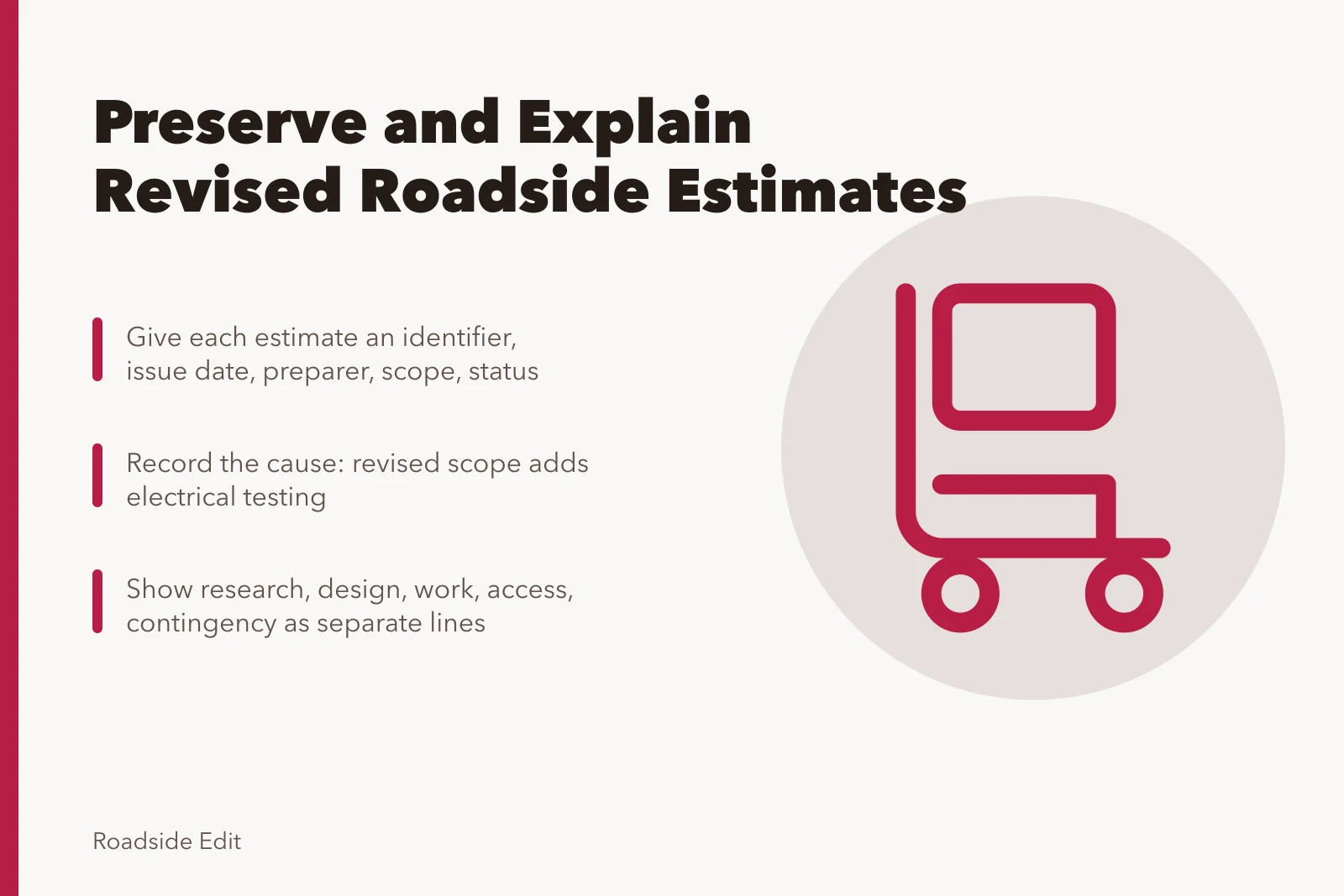
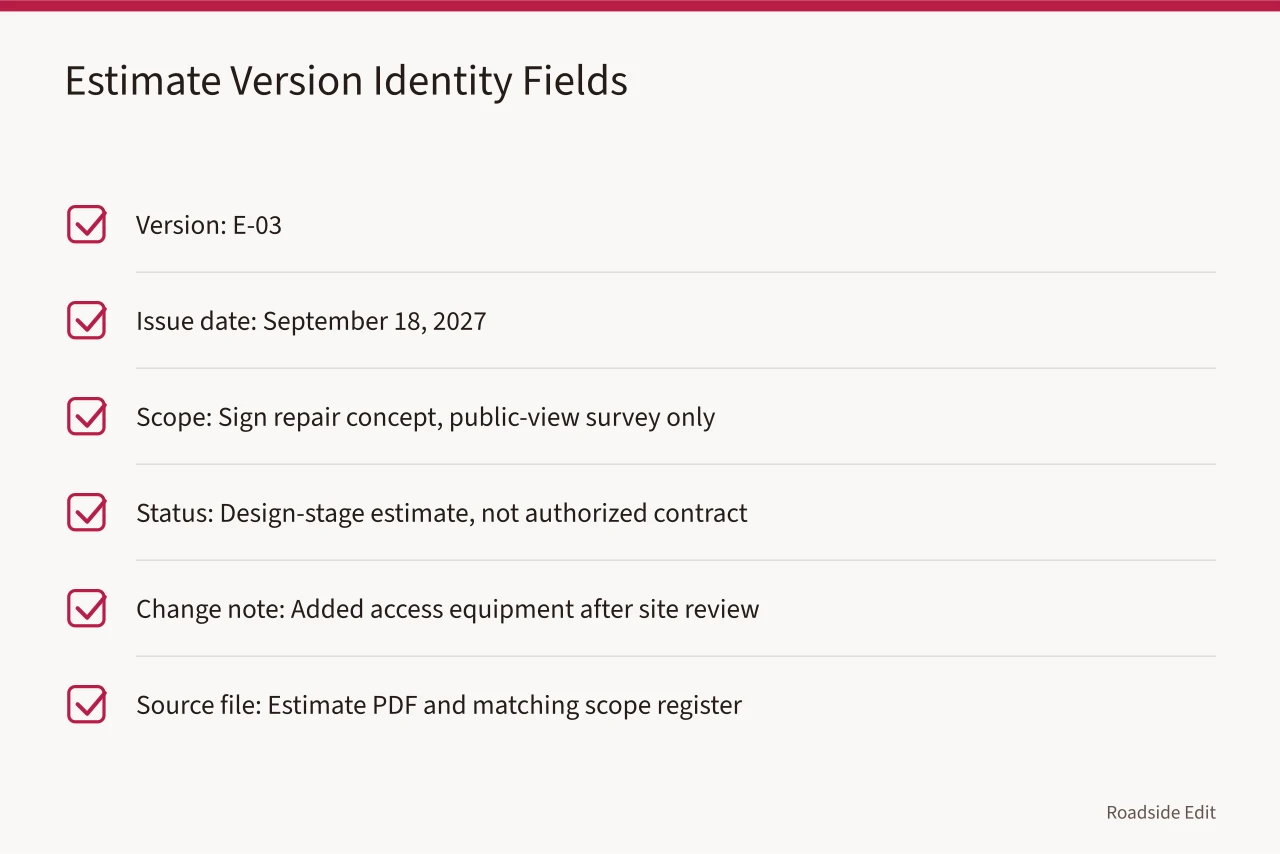
Use a short identifier, issue date, preparer, scope version, and status for each estimate. "Estimate 3" alone is not enough. A later editor needs to know whether it is an early range, a design-stage figure, a bid, a proposal, or an authorized amount.
GSA explains that project estimates evolve with each phase as the scope and available information become clearer. Read GSA guidance on the evolution of project estimates. The article's working file should reflect that change instead of using the word "final" for every total.
| Field | Example entry |
|---|
Record the cause, not a vague label
An update needs a reason that can be checked. "Costs changed" tells a reader nothing. "The revised scope adds electrical testing" tells them what changed. A source note can then identify where that addition came from.
The Government Accountability Office's cost-estimating guide calls for purpose, scope, schedule, a technical baseline, and assumptions. It requires data, risk analysis, and documented updates using actual costs. See the GAO guide to developing and managing cost estimates.
It covers broader government projects, but the recordkeeping lesson fits a small roadside project: preserve the number's basis, not just show the new total.
| Revision trigger | What the register should say |
|---|---|
| New observation | What was found and how it affects the scope |
| Scope decision | Item added, removed, deferred, or divided into phases |
| Market update | Date, source of pricing, and categories affected |
| Access or review condition | Approval, permit, equipment, or schedule effect |
| Error correction | Prior version, corrected item, and effect on the total |
Avoid a percentage comparison unless both versions cover the same work. A 20 percent change can reflect a real cost increase, a new category, or an earlier omission. The public note should say which one applies.
Compare scope before comparing totals
The Federal Highway Administration advises presenting construction estimates by major cost element rather than as one lump sum, with contingency shown separately where it applies. Review FHWA guidance on estimate elements and contingency. For a small project, that can mean showing research, design, work, access, and contingency as distinct lines.
Before making a public comparison, ask these questions:
- Do the two versions describe the same physical work?
- Do they include the same access, permits, tax, review, and care costs?
- Are the prices based on the same date and stage of design?
- Has a contingency been added, removed, or redefined?
If the answer to any question is no, write the change as a scope difference first. A percentage without that explanation can mislead readers.
Preserve the trail through authorization and closeout
A contractor proposal is not a contract amount. A contract amount is not the final paid cost. Keep each record in its own row, with its date and status.
National Park Service preservation review checklist includes a treatment record. It can document the work's intent, method, time, and cost. It also covers field reports and contract summaries. Read the NPS checklist for documenting preservation work.
For an editorial project, use a lighter version of that record. Keep the approved scope, final photos, authorized change notes, and any public final figure. Keep private proposals, contact information, and nonpublic terms out of the article file.
Common questions
Should an old estimate be deleted after a revision?
No. Keep it as a dated record and state why it no longer reflects the current scope. The earlier version may explain a later public update.
Does a contractor proposal equal a final cost?
No. Check the proposal's scope, exclusions, date, and authorization status. It may differ from the final contract or completed cost.
What belongs in a public update?
Use approved information only: the current scope, status date, reason for revision, and a public figure with its material limits.