Guides
Modern roadside design mistake prevention: 6 errors to avoid in 2027
Modern roadside design mistakes to avoid in 2027 help U.S. owners prevent scope gaps, weak evidence, missing maintenance plans, and untracked project changes.
The most costly roadside-design mistakes often happen before a material is selected. They begin when a team treats a label such as modern, resilient, accessible, low-maintenance, or historic as if it were evidence. They grow when a project boundary is unclear, an owner is assumed, routine care is left for later, or a change is made without a record.
This guide offers a prevention method for a U.S. owner, editor, or project team. It does not decide whether a particular site is safe, permitted, accessible, or appropriate for an alteration.
What to take away
- Write the site question before choosing a visual solution.
- Keep documented facts, professional opinions, and preferences in separate fields.
- Identify who controls the feature, route, drainage, and maintenance decision.
- Budget for inspection, records, and upkeep instead of treating them as extras.
- Record changes and open questions so a later article does not invent the project story.
Mistake 1: Designing around a word instead of a task
"Modern" is a style description, not a project brief. It cannot tell if a visitor needs orientation, a route is unclear, a feature is hard to care for, or an owner has a maintenance concern. Begin with the observable task.
That task might be helping a visitor find an entrance or documenting the condition of a roadside marker. It could be keeping a planted edge within approved care scope or comparing options for a public-facing cue.
Write the task in a sentence that identifies the user, place, and result. Then add limits: ownership, budget, timing, known site records, public route, maintenance capacity, and authority questions. A clear brief protects the project from becoming a collection of attractive but unrelated features.
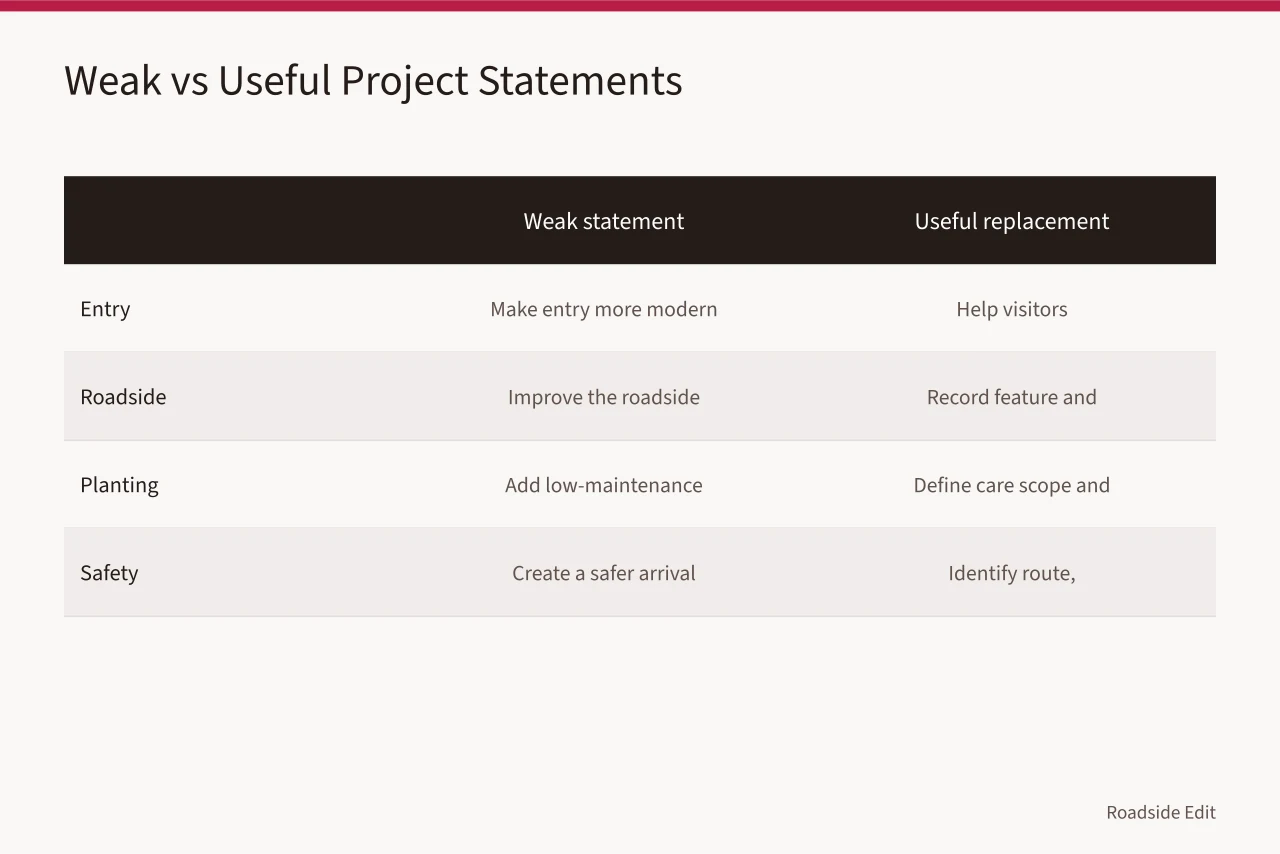
| Weak project statement | Useful replacement |
|---|---|
| Make the entry more modern | Help first-time visitors recognize the documented entry route |
| Improve the roadside | Record the existing feature and identify the owner of the care decision |
| Add low-maintenance planting | Define the current care scope, seasonal workload, and approved boundary |
| Create a safer arrival | Identify the route, current evidence, and responsible review process |
Mistake 2: Treating a claim as proof
An image, brochure, social post, provider page, or past project can show a claim was made. It does not establish another location has the same condition or result.
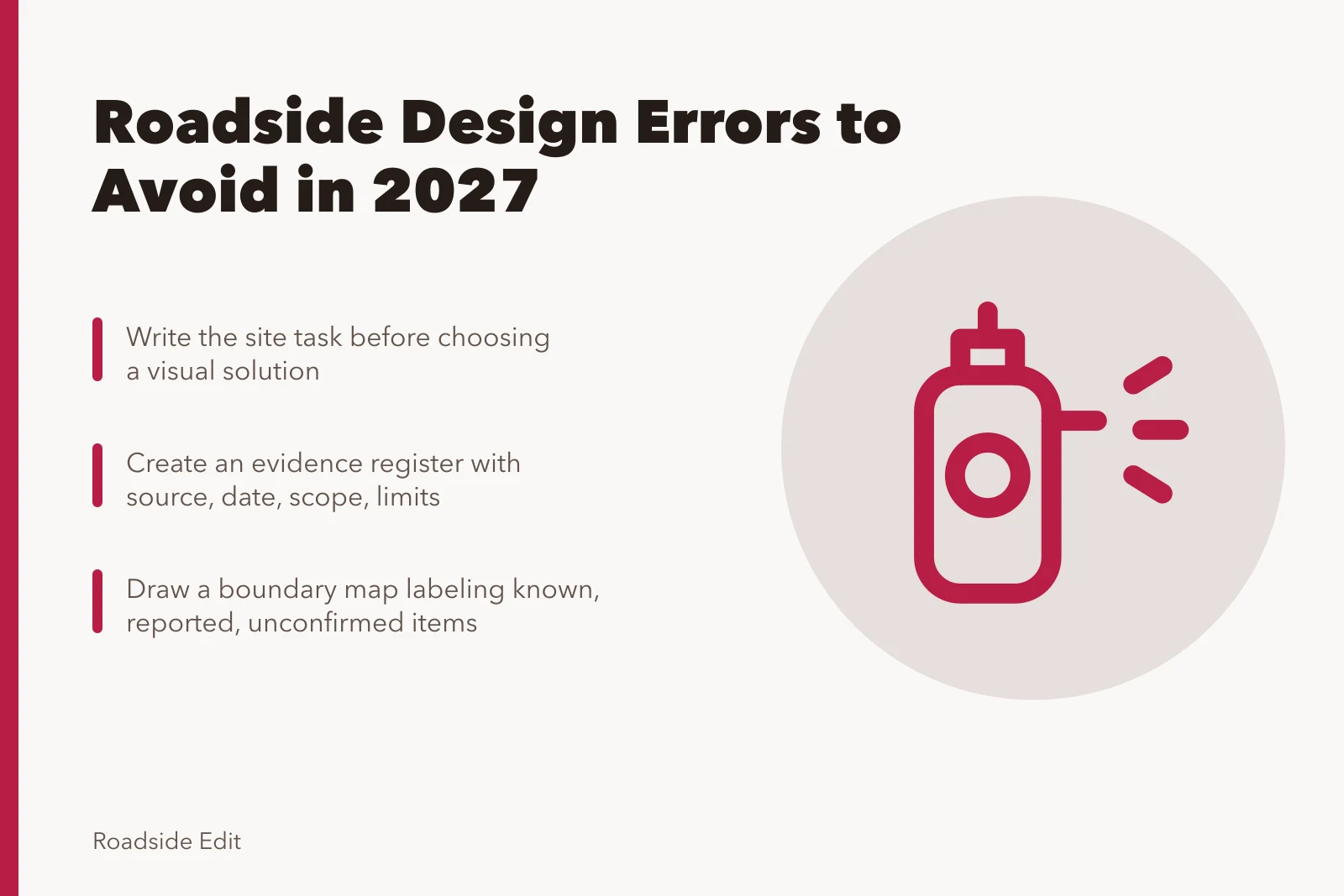
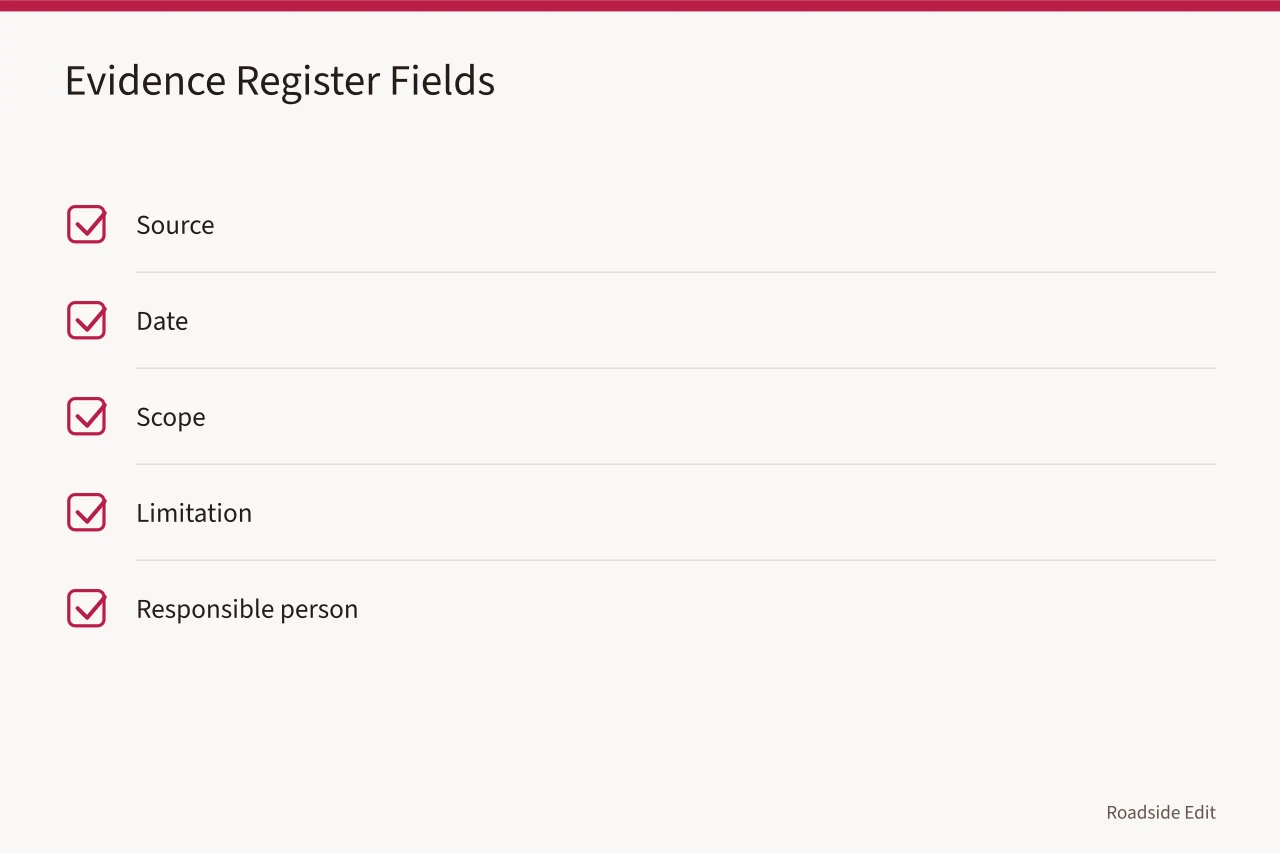
Create an evidence register before using words such as durable, sustainable, accessible, historic, or safe. For every important statement, record the source, date, scope, limitation, and person responsible for confirming it.
The EPA identifies barriers communities face with green infrastructure: limited resources, fragmented responsibilities, unfamiliar maintenance needs, and conflicts among codes or ordinances.
Its barriers guidance covers municipal green-infrastructure work, not a certification for a roadside feature. It supports a broader prevention lesson: a good idea can still fail if responsibility, requirements, and operations go unexamined.
Avoid turning an incomplete source into a broad conclusion. A dated photo may document appearance, but not a property line. A product page may describe an item, but not prove that it fits the local condition. A regional example may offer a question, but not local permission. Name the limit in the project record.
Mistake 3: Leaving the boundary vague
Roadside features often sit beside several responsibilities. A property owner may control a sign but not a public sidewalk; a manager may care for planting but not a drainage connection. A business may lease a facade but not a shared approach.
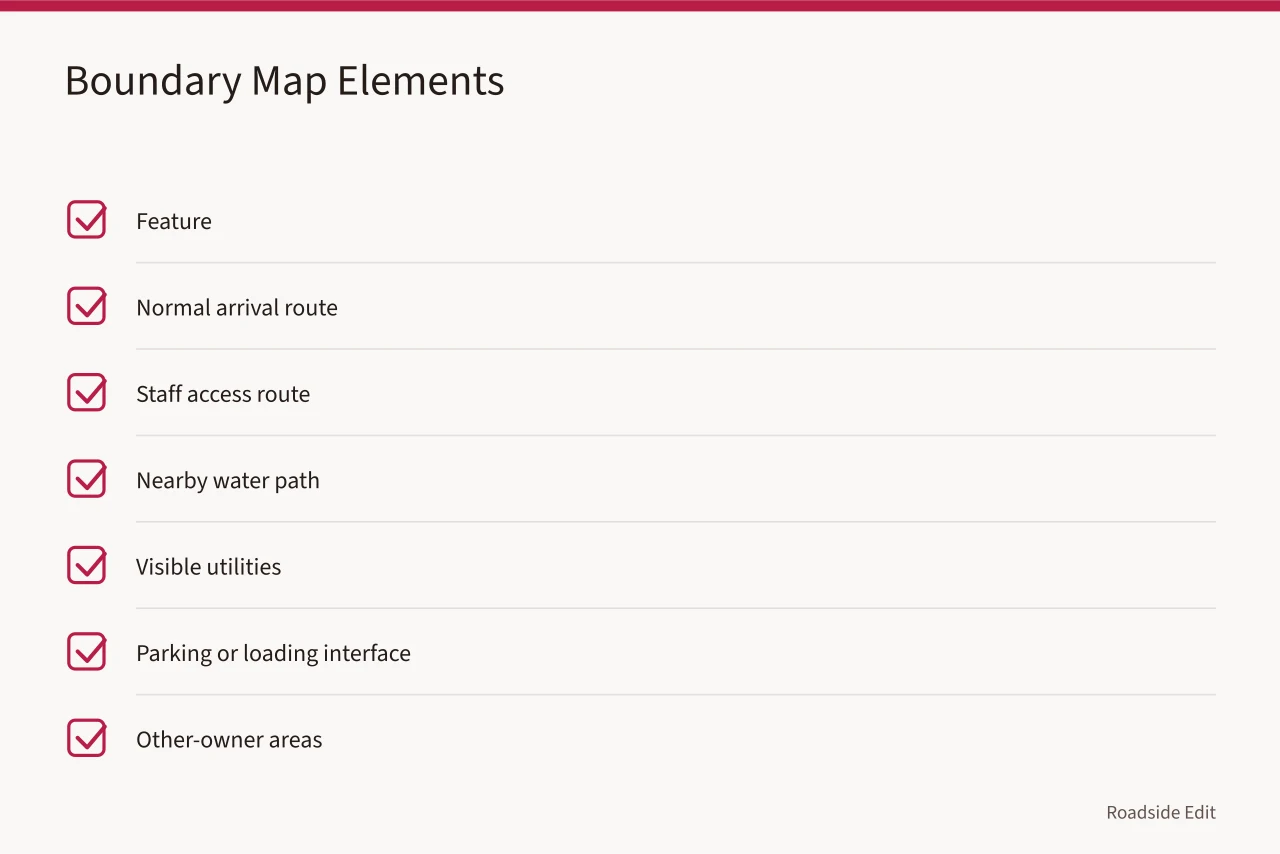
Before anyone changes a feature, draw a boundary map and label what is known, what is reported, what remains unconfirmed.
The map should include the feature, normal arrival route, staff access route, nearby water path if relevant, visible utilities, parking or loading interface, and areas that may belong to another owner. The map is not a survey. It is a way to make authority questions visible early enough to avoid unauthorized work or an unsupported article claim.
NPS Historic Property Project Documentation is designed to integrate documentation into planning and development. Read the NPS HPPD overview. It is not a survey or local approval process. It supports recording what is known about a project area before a proposed action is treated as ready.
Mistake 4: Pricing construction but not stewardship
A roadside intervention does not end at installation. Someone may need to inspect, clean, update, repair, document, replace, or escalate its condition. A plan that prices only the opening-day work can make an option appear cheaper than it is.
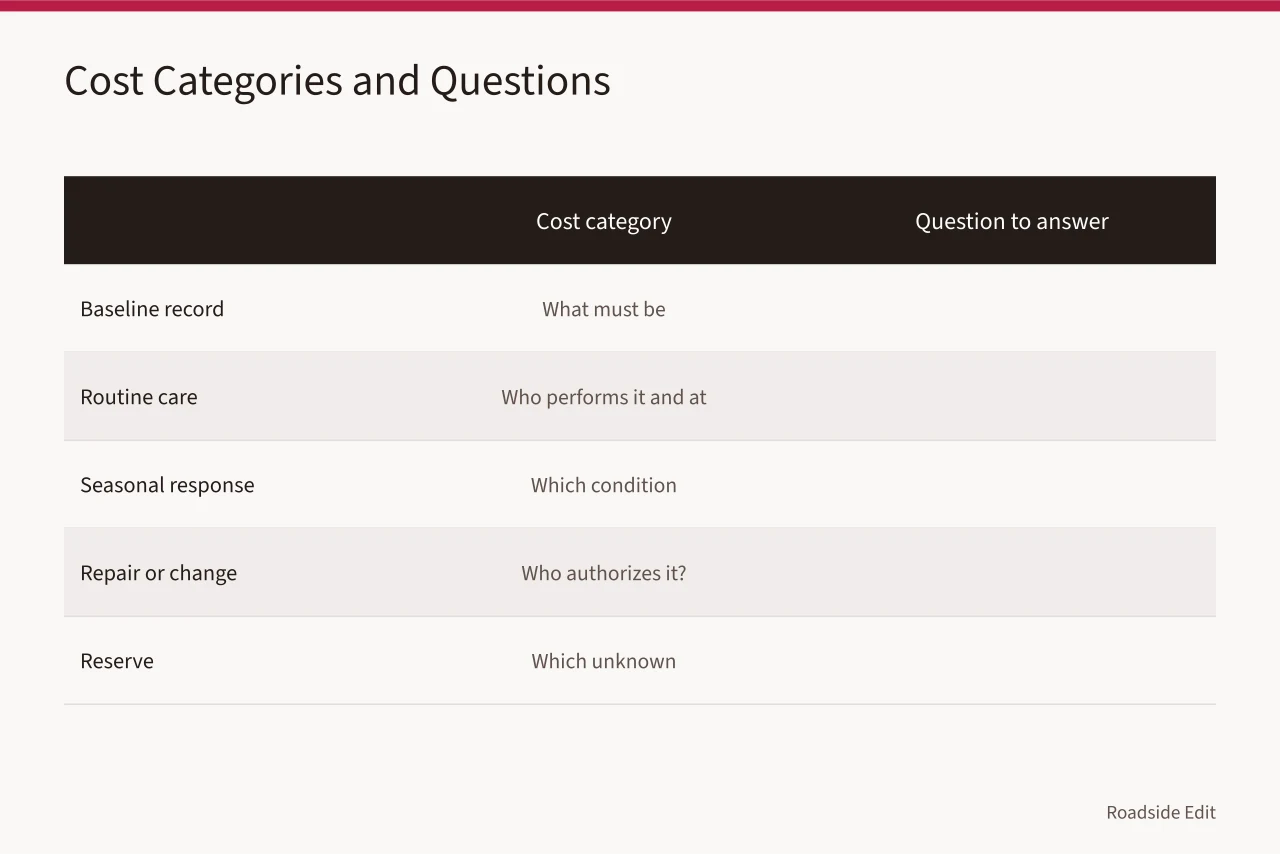
Separate costs into baseline documentation, routine care, seasonal work, approved repair, records, professional review, and reserve for an unresolved condition. Do not call owner time, donated material, or volunteer labor free. Label it so the next manager can see the real operating requirement.
GSA explains that estimates change as requirements and scope become clearer. Read GSA cost-management guidance. Its federal cost practices do not set a private project price. They support comparing the scope and assumptions behind each figure instead of comparing totals alone.
| Cost category | Question to answer |
|---|---|
| Baseline record | What must be documented before work? |
| Routine care | Who performs it and at what trigger? |
| Seasonal response | Which condition changes the work? |
| Repair or change | Who authorizes it? |
| Reserve | Which unknown condition does it address? |
Mistake 5: Making an unsupported fast fix
When a feature looks damaged or a route feels awkward, teams may want to clean, paint, move, replace, plant, or patch it immediately. That impulse can erase evidence or create a new problem. A report should first describe what was seen, where, when, and who received it. It should distinguish observation from a technical conclusion.
Fast fixes are especially risky near traffic, utilities, drainage, public routes, historic materials, or unknown ownership boundaries. A general article should not tell a reader how to perform those tasks. It can give a clear pause point: if the task exceeds the current scope or authority, document it and use the responsible process.
Mistake 6: Letting changes disappear from the file
Projects change. A route closes, a material becomes unavailable, a budget shifts, a maintenance issue appears, or an authority asks for different information. The mistake is not that change occurs. The mistake is leaving no record of what changed, why it changed, who approved it, and what source supported the decision.
Keep a short change log with date, description, trigger, decision-maker, linked record, and current status. Preserve original photos and prior plan versions. A new note should add context rather than overwrite an earlier observation. This gives an editor a factual history and prevents a future case study from presenting a revised outcome as if it had always been the plan.
NPS documentation standards call for reliable source material and stated limitations so a later reader can check the record. Read the NPS documentation standards. A project change log does not need formal heritage-documentation treatment. It should still make clear which statement is an observation, decision, provider claim, or unresolved item.
Build a prevention workflow
Use a sequence that makes the expensive unknowns visible before commitment:
This workflow does not make a technical determination. It helps a project team keep its claims, records, and actions aligned.
Preserve context for future publishing
An article on a completed site should state what was documented, what was proposed, what was approved, and what remains unknown.
Do not write that a provider delivered a result unless the project record supports it, and do not turn a project photo into a performance claim. Keep paid placement, product inclusion, and sponsor language separate from the factual record.
That separation benefits readers and future clients. It makes business listings more transparent and gives the site a credible basis for showing examples, reviewing services, or explaining a planning method.
Use a stop rule before a small error becomes a visible one
A stop rule tells the team when a normal editorial or maintenance task has crossed into something that needs a different owner, a current source, or professional review. It is more useful than a vague instruction to "be careful" because it identifies the next action. A stop rule can be short:
The response is not necessarily to cancel the work. It is to preserve the condition, describe the question narrowly, identify the person or process responsible for an answer, and set a follow-up date. That protects a small team from confusing momentum with proof.
Make a closeout record while details are still available
At the end of a planning task, create a compact closeout record before memories and files scatter. Include the original question, decisions made, alternatives not chosen, source dates, and open items. Name the next owner and add a short note about the record's limits.
For example, a closeout can say photos document visible conditions on a given date but do not establish ownership, code compliance, concealed construction, or future performance.
This record makes later coverage more accurate. It also gives a business a fair way to distinguish a listed service from the underlying evidence. A reader can understand what the article knows, what the project team decided, and what still requires a current local answer.
Common questions
What is the first roadside-design mistake to avoid?
Starting with a visual answer before the team has defined the user task, site boundary, source record, and authority questions.
Can a provider page prove that a design is suitable?
No. It can document the provider's claim. Suitability depends on a specific site, scope, current requirements, and responsible review.
What should a project change log include?
The date, what changed, why, who made the decision, the supporting record, the current status, and the next review date.