Guides
Part of How to build a roadside architecture safety checklist that stays useful
How to write roadside architecture safety budget notes without quoting a price
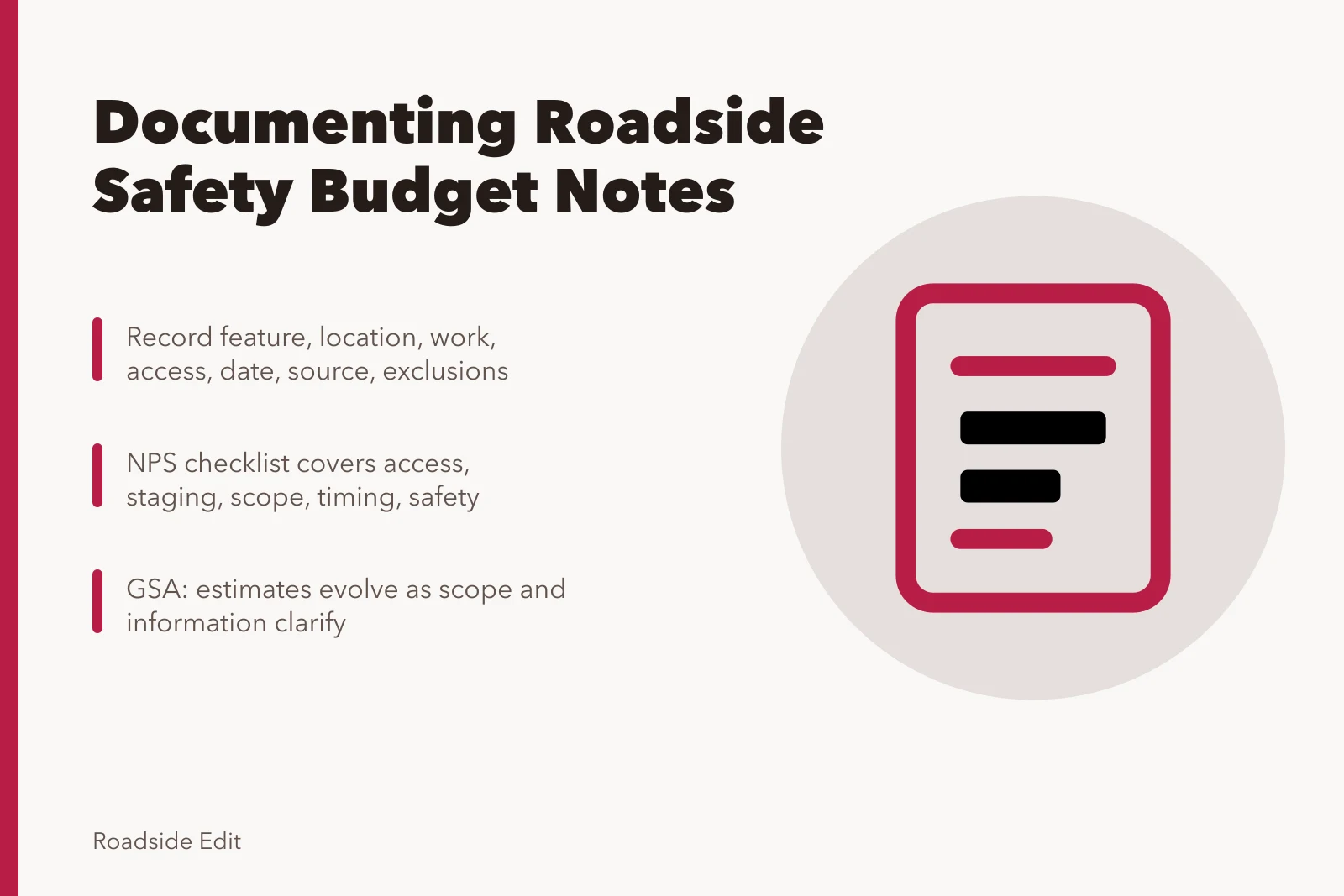
Roadside architecture safety budget notes for 2027 show how to document access, scope, timing, and safety conditions without publishing a project price.
Safety budget notes are records of scope, not price promises. They help an editor or project contact explain why a number is incomplete, dated, or not comparable across properties. Do not use a safety concern to invent a project total.
What to take away
- A number is meaningless without its stated scope and date.
- Access, staging, permits, and safety conditions can change the scope of a project.
- Keep routine care, assessment, and planned project work in separate records.
- Do not publish a contractor price without a current, authorized source.
Record the safety scope first
| Field | Question it answers |
|---|---|
| Feature and location | What exact sign, facade, or site area is discussed? |
| Stated work | What does the document say will happen? |
| Access assumption | Does the scope mention public routes, equipment, staging, or a closed work area? |
| Date and source | When was the figure or note current, and who supplied it? |
| Exclusions | What does the record specifically not cover? |
Avoid false comparisons
One small sign repair may require a different access method, permit path, work window, or safety plan than another. A past invoice can document its own project only. It is not a market quote for a different roadside property.
The National Park Service's constructability QA checklist includes contractor access, staging, entry points, work restrictions, scope, cost, timing, and special safety concerns among project considerations. Review the NPS constructability QA checklist. It is a federal project tool, not a cost calculator for local work.
The scope can also change after work begins. NPS project-documentation guidance calls for recording differing site conditions and discoveries that change the original scope, materials, or treatment. Read NPS guidance on project completion records. That is a reason to publish a date and stated scope with any figure, then avoid presenting it as a fixed outcome for another site.
Separate estimate type from project fact
An estimate differs from a completed cost, a contractor bid, or an authorized budget. The General Services Administration says estimates evolve as scope and information become clearer over a project life cycle. See GSA's cost-estimate guidance.
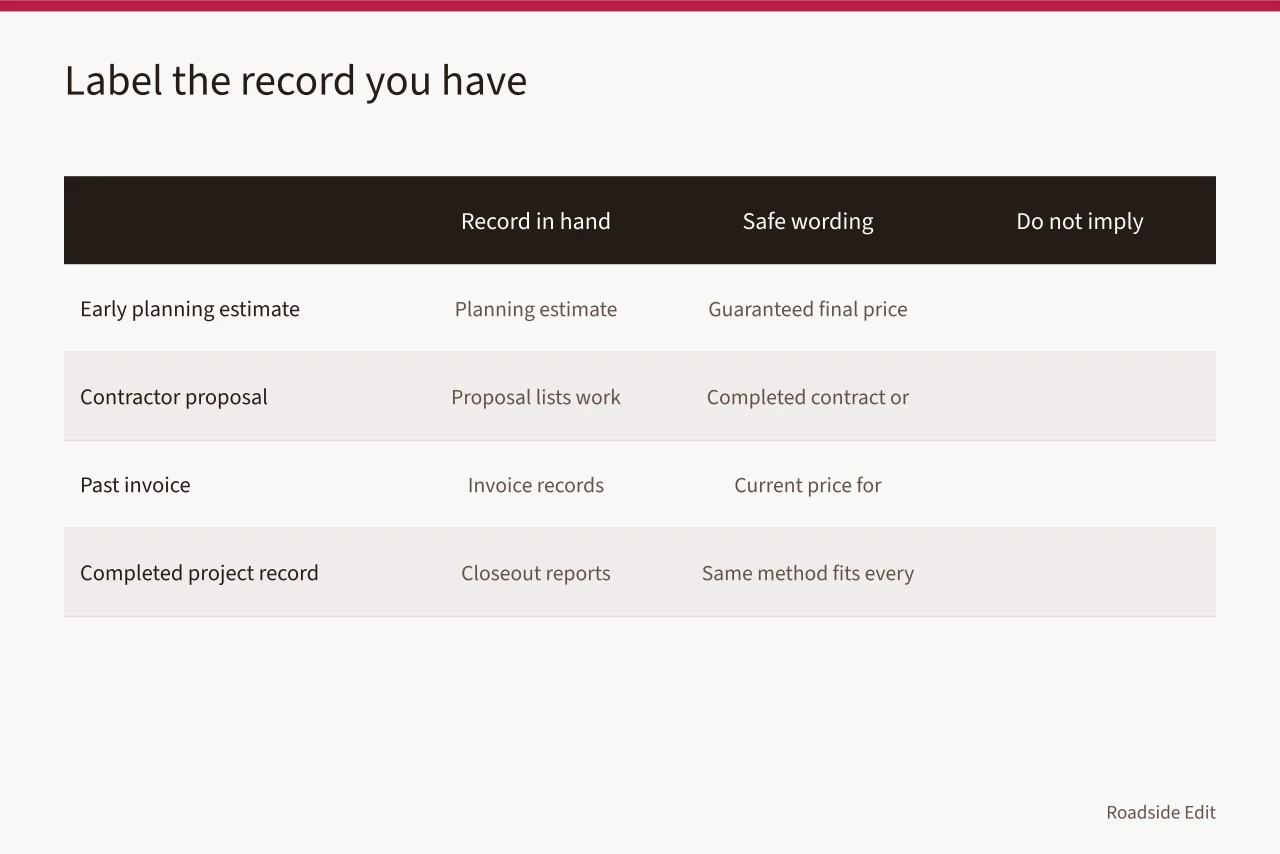
The GSA framework covers its projects, but the editorial point is useful beyond them: label the record you have instead of making it sound more final than it is.
| Record in hand | Safe article wording | Do not imply |
|---|---|---|
| Early planning estimate | "The planning document includes an estimate dated 2027." | A guaranteed final price |
| Contractor proposal | "The proposal lists the described work and date." | A completed contract or public award |
| Past invoice | "A past invoice records work completed under that scope." | A current price for another property |
| Completed project record | "The closeout document reports the work recorded there." | That the same method fits every site |
Do not turn a number into a safety conclusion. A higher figure does not prove greater hazard; a small figure does not prove the work is simple. Access, sequencing, permit requirements, records, and the feature involved may shape scope.
An article can explain those limits without guessing why a contractor priced an item a certain way.
Explain why comparisons fail
Historic-structure reporting guidance from the NPS notes that costs can be affected by factors unique to a property, including the information already available about it. Review NPS Preservation Brief 43. A roadside editor should use that fact to add context, not to calculate a new total.
For example, two signs may look similar in photographs while requiring different permissions, access arrangements, preparation, or documentation. The correct public note is not "this project should cost the same." It is "the published record covers this site, scope, and date only." That sentence protects readers from an attractive but false comparison.
Use bounded language
| Write this | Instead of this |
|---|---|
| "The 2028 proposal lists access equipment separately." | "The repair costs $X." |
| "The source does not state whether permits are included." | "The amount covers every requirement." |
| "The work record has no structural assessment attached." | "The project will make the site safe." |
Keep sensitive detail out of the article
Budget notes can contain details that do not belong in a public feature. Avoid publishing personal contact information, access procedures, security details, private bid materials, or an unconfirmed work schedule. Quote an organization only when it has made the relevant statement public and the article can name the document or date.
If no current authorized source gives a figure, remove the price discussion. The article can still cover the project record, its stated work, and the limits of the available information.
Common questions
Is a past invoice a current safety budget?
No. It documents a past scope. It may be useful background, but it cannot promise price, schedule, or method for another property.
Should a safety note include contractor contact information?
Keep personal contact details private unless the business has deliberately published them for that purpose and their use is relevant.
Can an article call a project safety work?
Only when the project record uses that description or supports the specific claim. Otherwise, describe the stated scope without adding a conclusion.