Guides
Part of Roadside renovation mistake prevention: how to keep assumptions out of scope
Roadside renovation mistake prevention records: what to keep and why
Roadside renovation mistake prevention records catch a small survey assumption before it hardens into a published claim about a property boundary line.
A project record exists to stop a small assumption from becoming a permanent public error. A caption reads "restored 1962 canopy." The source was a 2019 snapshot of a repainted fascia. Nobody lied. The record simply never said what the sentence claimed.
What to take away
- Keep the original item beside the summary written from it, so a later editor can check the wording against the source.
- Give every claim one limitation line naming what the source cannot establish.
- Record scope in the trade's own terms: which feature, which elevation, which stage of work.
- Preserve corrections as new entries. Never overwrite the old wording.
- Separate a sponsor's statement of intent from a dated record of condition.
What an evidence ledger holds
An evidence ledger is a working list of the sources behind published statements. Each row answers one narrow question: what does this item support? Two claims do not share a row because they share a subject.
A dated owner statement supports a statement about the owner's plan. It does not support a condition finding, a permit result, or a completed outcome. Filing them together is how a plan becomes a fact in the next draft.
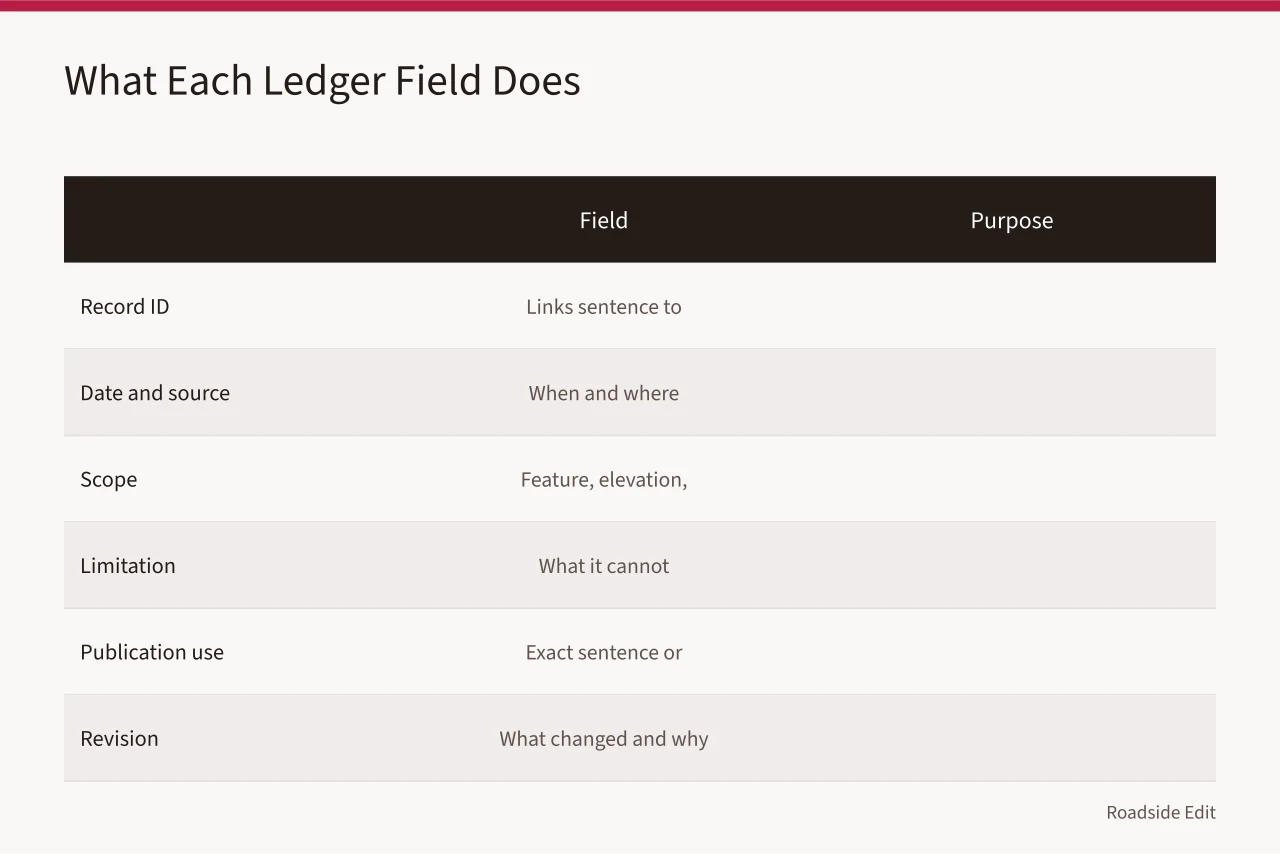
| Field | Purpose |
|---|---|
| Record ID | Connects one published sentence to one source |
| Date and source | Shows when and where the information applied |
| Scope | Names the feature, elevation and work stage covered |
| Limitation | States what the record cannot establish |
| Publication use | Identifies the exact sentence or caption |
| Revision | Preserves what changed and why |
Add a source type field. Useful values include several items:
- current photograph
- historic photograph
- owner statement
- agency record
- contractor scope
- public notice
- technical report The type tells a future editor what replacement source is needed once the fact goes stale.
The National Archives describes primary sources as items created by witnesses or participants, offering direct evidence about past events. Review the National Archives explanation of primary sources. That definition says nothing about whether a 1958 photograph answers a question about the property today. It supports recording provenance and date so the item is not used outside its period.
Preventing a scope error
Scope errors start with a broad word. "Renovation" covers a roof repair, a fascia repaint, a pump-island regrade, a neon tube replacement and a full rehabilitation. Write the feature, the location and the work stage in the ledger before anything is published.
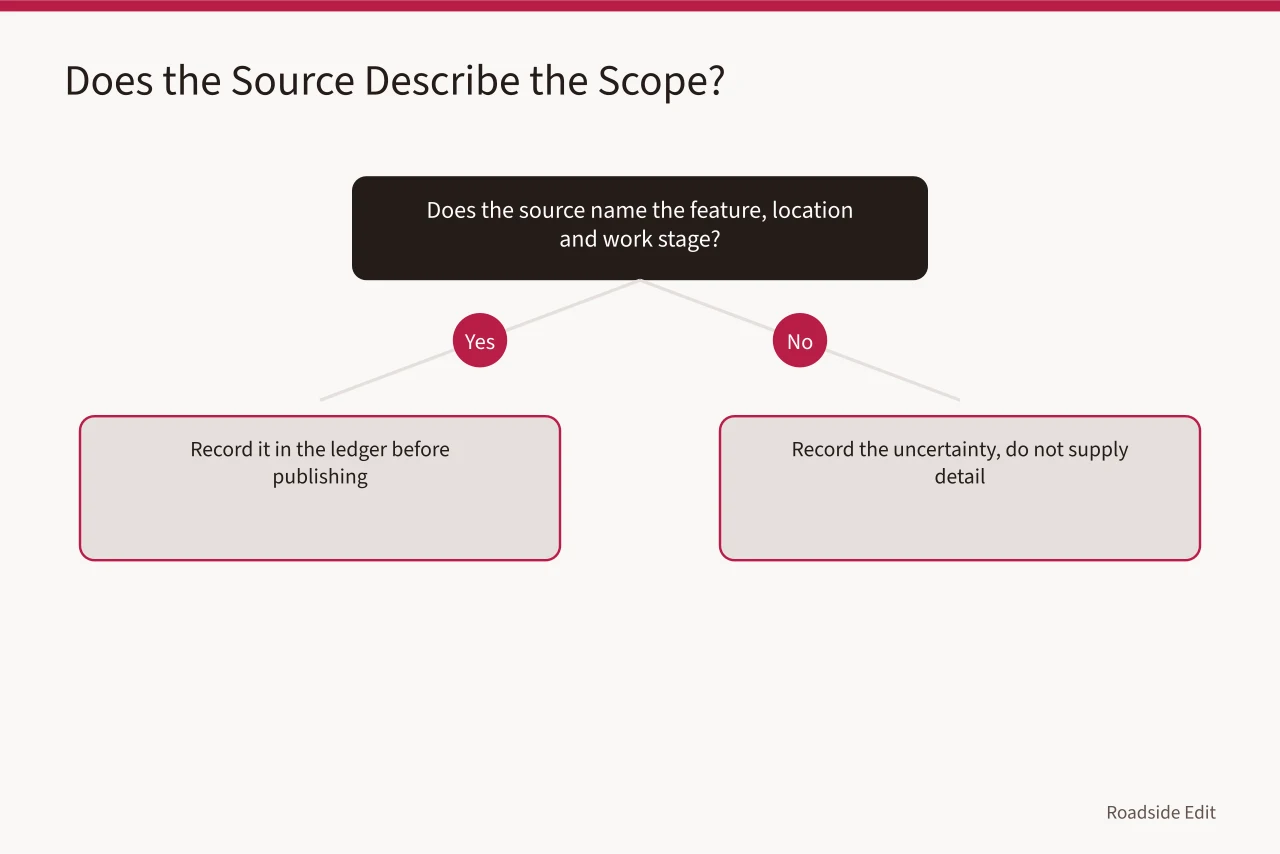
Ask what the source actually describes. A canopy soffit repair? A porcelain enamel panel repaint? Interior fit-out? A change of use? If the source is silent, record the uncertainty. Do not supply the plausible detail.
The Access Board's alterations guide notes that accessibility requirements can turn on work scope and affected areas. Read the Access Board's alterations guide. It sets no requirement for any particular roadside property. It supports keeping a clean scope record rather than treating an access question as settled by a draft.
Every scope claim gets a "does not establish" note. A workable one reads: "Describes a proposed exterior repainting; does not establish an issued permit, an access outcome, construction completion, or a condition finding." That single line is what catches an overstatement before it reaches print.
Sponsor claims and paid placement
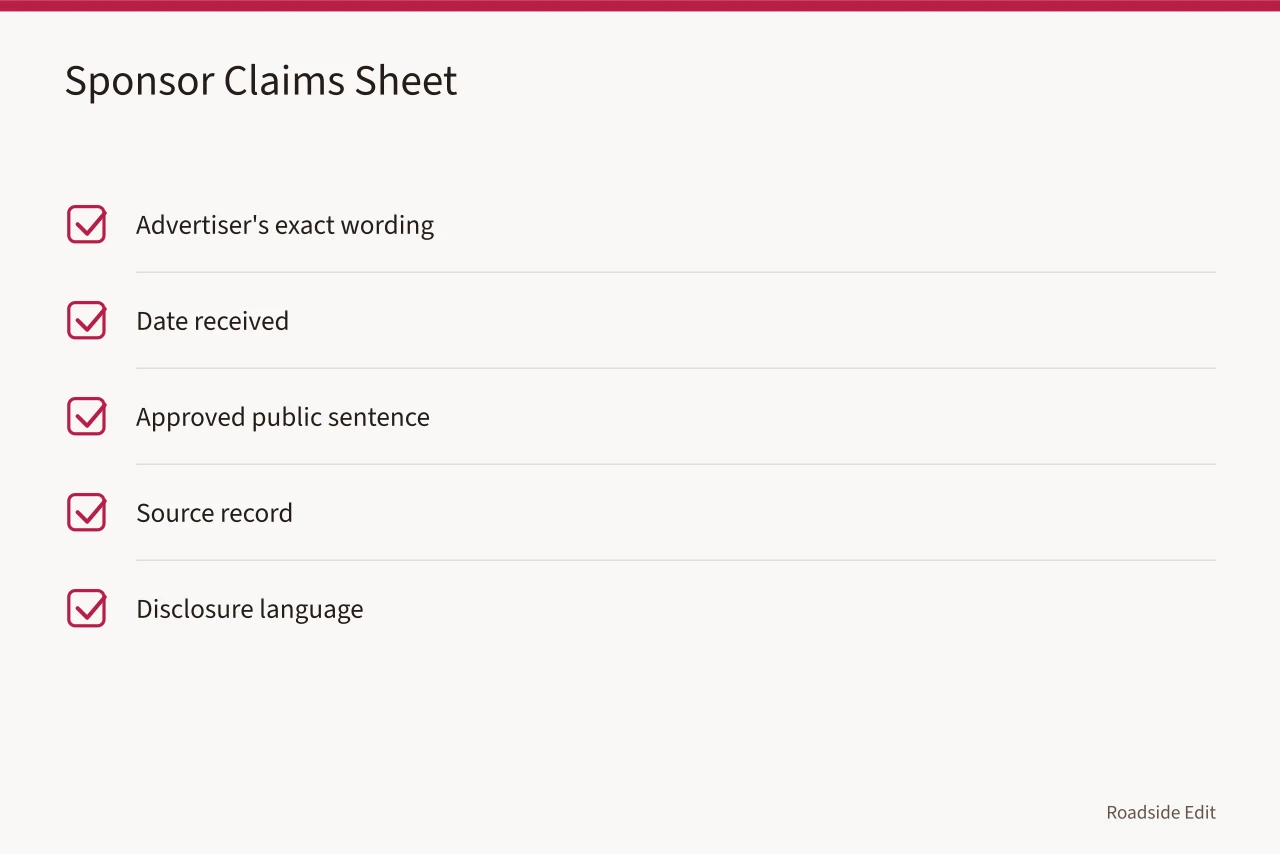
A sponsor is often the best source for its own planned service or event. Attribute the statement. Do not convert it into an unqualified recommendation.
The Federal Trade Commission's endorsement guidance covers disclosure of material connections in endorsements and advertising. Read the FTC's endorsement-guides questions and answers. It supplies no template for a roadside article. It supports a habit that keeps commercial relationships visible to editors and readers alike.
When a sponsor changes a claim, open a correction entry. Preserve the old wording, the new wording, the source for the change, the date and the reason. Never quietly swap a date, a price, an availability statement or a project status.
Materials questions
For demolition, paint, dust, debris or older materials, record three things. Record the source of the concern. Record the age and work scope the source states. Record the review path that owns the question.
Age, appearance and a photograph do not make a material hazardous. Only a responsible source makes that finding, and the licensed environmental authority or your state agency is who makes it.
EPA explains that demolishing older housing can release lead-containing dust, and that lead-safe practices apply in the contexts its rule describes. Read EPA's guidance on lead-based paint and demolition.
This does not establish that lead is present at any roadside property. It supports keeping the concern, the age information and the work scope in one place instead of promoting a concern into a conclusion.
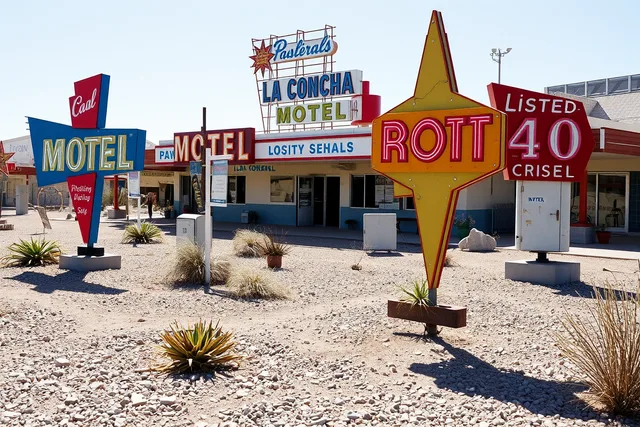
The photograph is context for this guide. It documents no project's scope, status, access or evidence record.
The four-question correction record
Every correction answers four questions. What did the article say? What does it say now? Which record justified the change? When was the change made? Add a short reason, such as "permit record received," "earlier wording implied a finished result," or "source date corrected." The prior wording stays in the internal log.
The log earns its keep when it exposes a mismatch early. A source that supports only a past appearance, set against a headline claiming a site is now restored, shows the gap before publication. A sponsor statement standing alone behind a performance claim can be attributed or dropped while it is still cheap to do so.
Pair the ledger with the planning records you already keep for survey days, travel and fabrication, so a claim and its cost basis never drift apart.
Mistake-prevention checklist
- Keep the original item plus a stable file name or link.
- Record source type, date and intended use.
- Write one limitation beside every important claim.
- Track the exact sentence as published.
- Keep sponsor statements separate from independent records.
- Add corrections as new entries rather than editing history.
Common questions
Must every record be published?
No. Keep a responsible internal file and publish only what is supported, shareable and relevant to the reader.
Can a social post serve as a source?
It can serve as a dated statement. It rarely establishes condition, approval or completed work on its own.
What belongs in a correction log?
The old wording, the revised wording, the supporting source, the date and the reason for the change.
Who decides whether a material is hazardous?
The licensed environmental authority or the state agency with jurisdiction, based on field evidence, never on age or appearance.