Guides
Before you compare roadside renovation options, build a records file
Roadside renovation records to find in 2027: a practical source file for checking proposals, approvals, historic context, and project status before publishing.
An option comparison is only as good as its record file. A roadside building may have several competing descriptions at once: a former business, a possible historic resource, an advertised property, and a proposed redevelopment site. Each description may be partly true. The editor's job is to keep the source, date, and level of certainty attached to every one.
What to take away
- Start with records that identify the property, the speaker, and the date.
- Separate a proposal, a review, an approval, and completed work in your notes.
- Preserve source files and exact quotations before drafting a comparison.
- Do not treat a marketing listing, photo, or old article as proof of an official decision.
Build a record file before choosing a headline
Create a folder for one address or corridor segment, not for a broad theme. Give each saved item a filename that starts with the date and source. Add a short note stating why the document matters. This small step makes it much easier to correct an article after a plan changes.
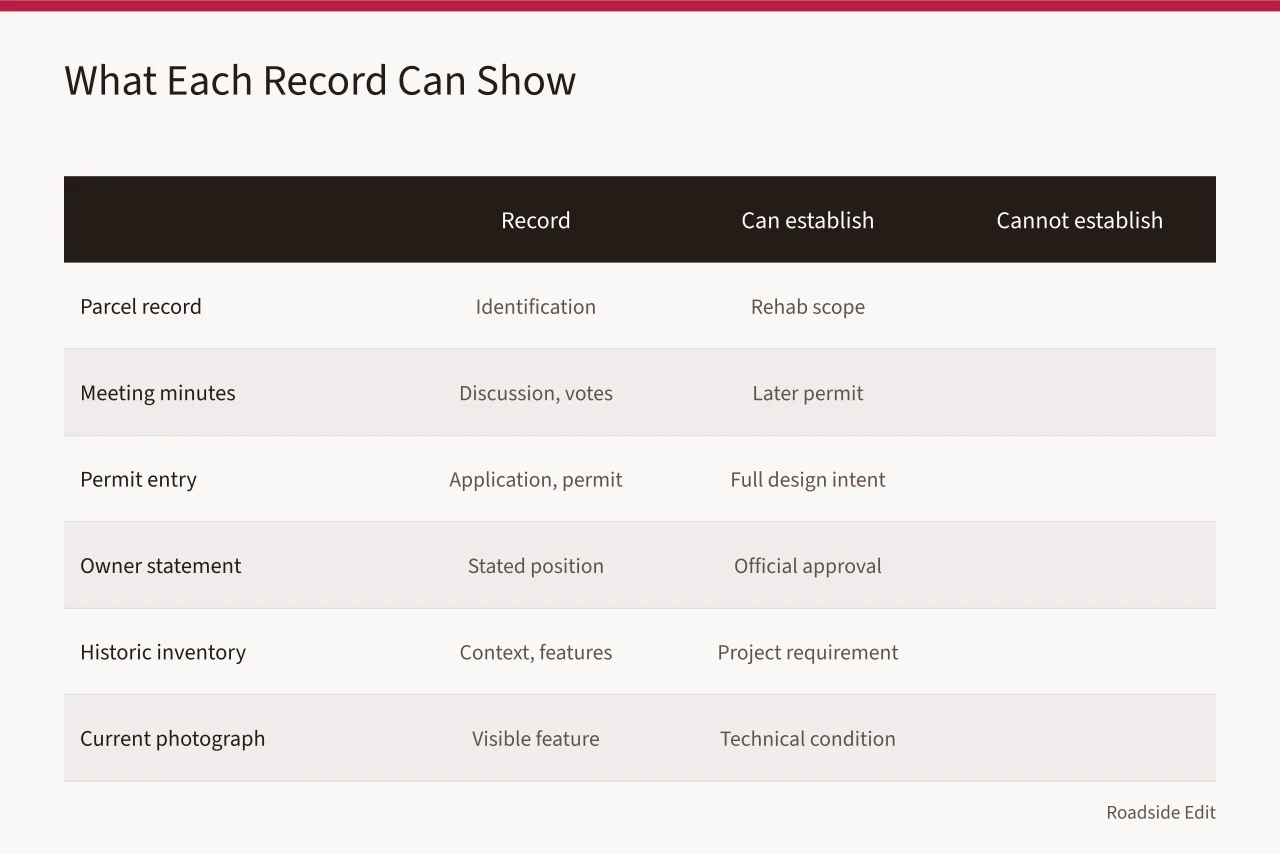
| Record | What it can establish | What it cannot establish by itself |
|---|---|---|
| Parcel or assessor record | Basic identification and jurisdiction | A rehabilitation scope or public opening date |
| Meeting agenda or minutes | What a public body discussed or voted on | A later permit or finished construction |
| Permit portal entry | A listed application or issued permit | The full design intent unless attachments are available |
| Owner statement | The owner's stated position at that date | An official approval or funding commitment |
| Historic inventory | Documented context and identified features | A requirement that a particular project proceed |
| Current photograph | A visible feature on the photo date | A technical condition or legal conclusion |
The National Archives explains that records management is about controlling information so it can be retrieved and used. Its basic records-management guide is a useful foundation for an editorial source file. Keep the original page address, a local copy when permitted, and the date you accessed it.
1. Identify the place without assuming the project
Begin with the physical place. Confirm the street address, alternate historic names, local jurisdiction, parcel description when relevant, and the current source of the name. Roadside properties often changed names or operators. Searching one name alone can mix separate buildings or eras.
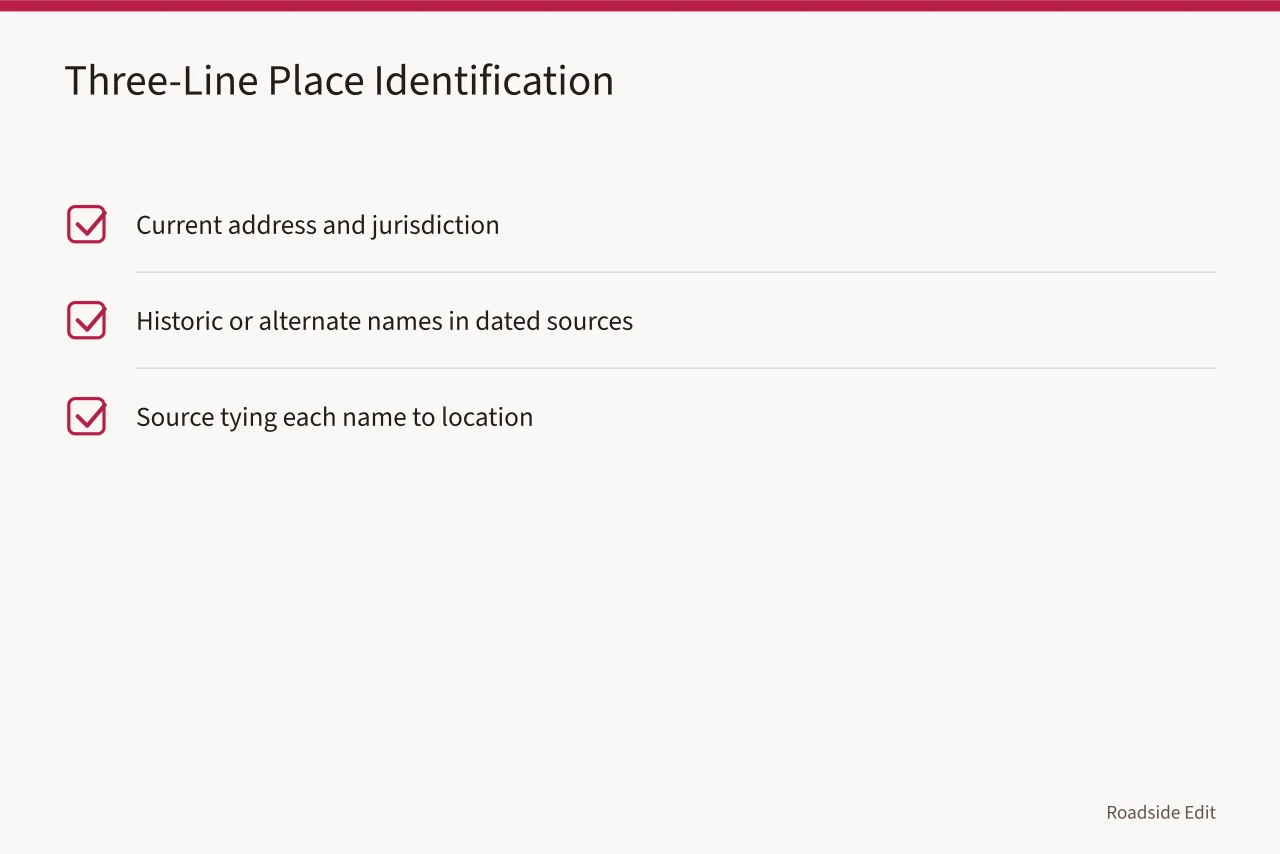
Use a three-line identification note:
- Current address and jurisdiction
- Historic or alternate names found in dated sources
- The source that ties each name to the location
This note does not tell readers whether reuse or removal is the right option. It simply prevents the rest of the article from resting on the wrong property. If a record has a conflicting address, preserve the conflict in your notes rather than silently choosing one.
2. Capture historic context as context, not a verdict
Historic material can make an option comparison richer, but it has to be kept in proportion. A survey form, nomination, archival photo, or local history page may identify features and associations. It does not automatically decide today's scope, funding, or code path.
The National Park Service's historical documentation guidance describes the value of recording a property's existing conditions before treatment decisions are made. Use that principle in an article: distinguish the documented past from a claim about the next project phase.
Good editorial phrasing names the source and its limit. For example: "A 1998 survey describes the sign as a defining exterior feature." That is more precise than, "The sign must be saved." The first sentence points to a record. The second makes an unsupported decision.
3. Find the scope record for each option
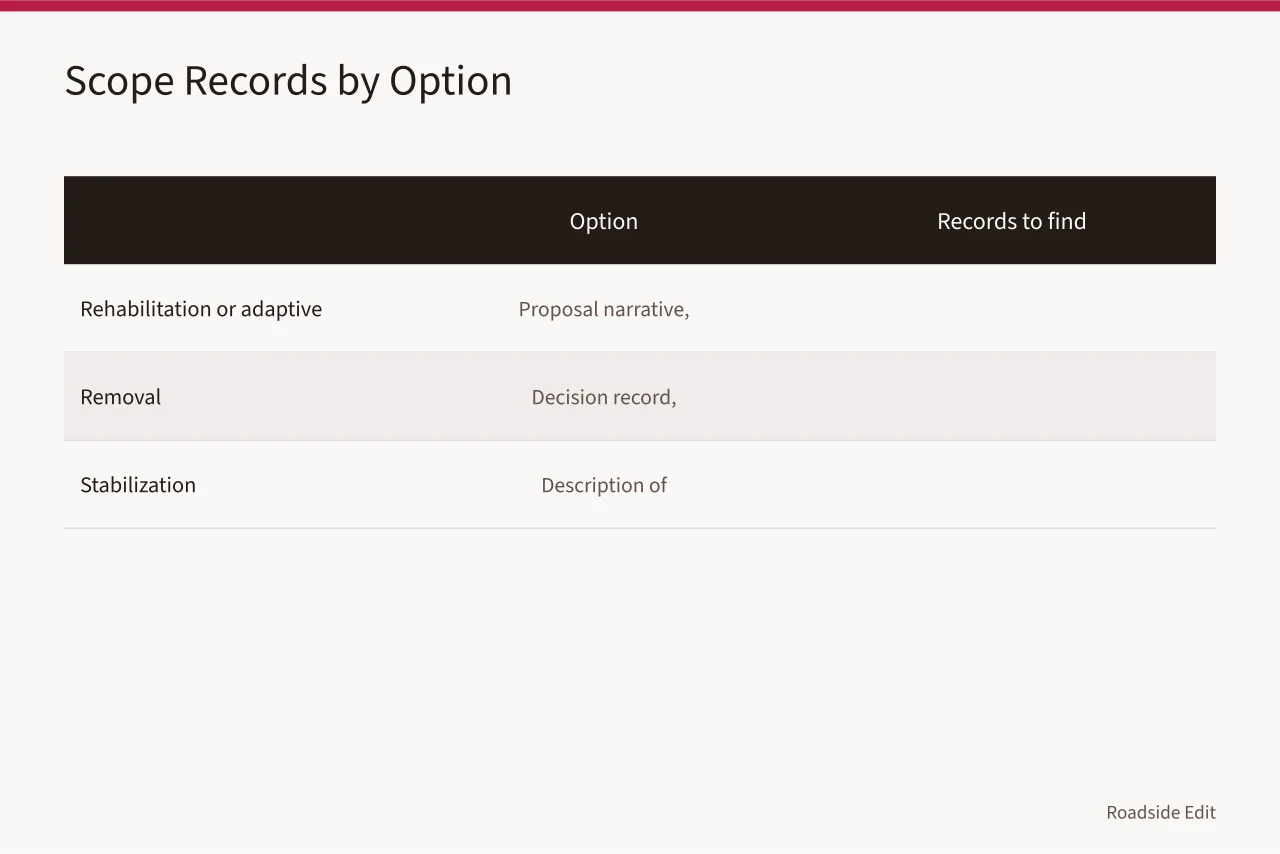
For rehabilitation or adaptive reuse, look for a proposal narrative, scope of work, drawings, staff report, funding application, or permit attachment. For removal, look for the decision record, stated rationale, public notice, or contract notice. For stabilization, look for a description of the immediate work and the party responsible for it.
The National Park Service separates preservation, rehabilitation, restoration, and reconstruction in its treatment standards. A source that uses one of those terms should be read carefully. It may refer to a formal treatment approach, or it may use the word loosely. Quote the actual scope instead of upgrading a casual label into a formal finding.
Add a status field to every scope record:
| Status in your notes | Meaning |
|---|---|
| Reported idea | A speaker described a possibility |
| Submitted | A document was filed for review |
| Approved | The cited authority approved a defined action |
| Under construction | A reliable dated source reports active work |
| Completed | A reliable dated source identifies finished work |
4. Keep review records separate from approvals
Public review can be an important part of a roadside project, but it is not final approval, a building permit, or a completed project.
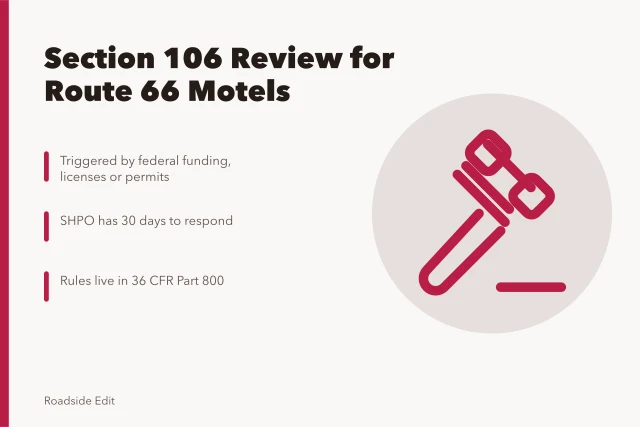
Where a federal undertaking may affect historic properties, the Advisory Council on Historic Preservation explains the consultation framework in its Section 106 overview. That page describes a process. It does not decide if a particular roadside property is eligible, affected, or approved.
In your draft, say what the record actually shows: consultation was initiated, comments were requested, a meeting was scheduled, or an agreement was executed. Avoid compressing the full process into a word such as "cleared" unless the cited record uses it and explains the decision.
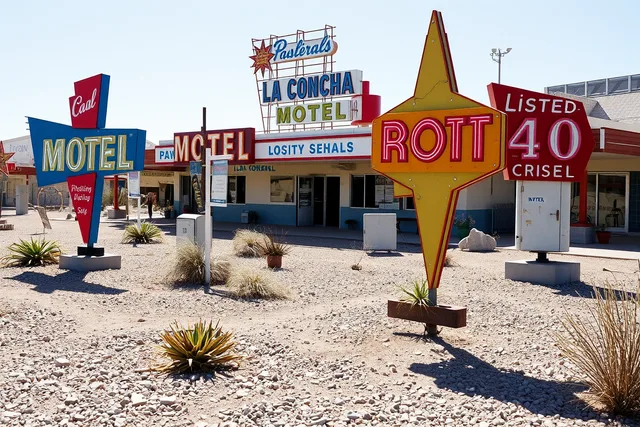
The photo is illustrative. It is not evidence about a particular property's status or condition.
5. Write a source note readers can trust
Before publication, check every central sentence against a record in the file. Put the record's date close to a future-facing claim. Attribute competing views instead of choosing a winner. If no source resolves the question, say so and identify the record that would.
A clear source note creates room for updates. When a permit is issued, financing is announced, or construction begins, you can revise one verified section rather than rebuild an article around an old assumption.
Common questions
Is a listing page enough to describe a redevelopment option?
No. It may describe the seller's or broker's position, but it does not prove a permit, approval, or future tenant. Attribute it and seek the relevant project record.
Should I save screenshots of source pages?
Yes, when your editorial process allows it. Save the page title, URL, access date, and a record of the statement you relied on.
What if two records conflict?
Name the conflict, compare their dates and authority, and avoid a final conclusion until a stronger or later record resolves it.