Guides
Part of Motel exterior cost planning: 7 steps before you ask for a 2027 estimate
Motel exterior cost records: how to keep estimate versions honest for 2027
Motel exterior cost records for 2027: retain scope versions, estimate assumptions, source notes, commercial submissions, and correction history clearly.
Cost records are not a budget spreadsheet with more tabs. They explain where a number came from, what work it described, what facts were assumed, and what changed after issue.
Without that record, an old estimate can be mistaken for a current commitment, and a provider's proposal can be quoted as a confirmed price. An unknown condition can vanish from the project story.
This guide helps a motel owner, editor, or small project team maintain a usable cost-planning file for exterior work. It does not set a budget, verify an estimate, approve spending, or create a contract. Its job is to keep evidence, submissions, scope decisions, and corrections distinct enough that the next person can understand them.
What to take away
- Store every cost-related document with its date, version, scope, assumptions, and exclusions.
- Keep confirmed facts separate from provider estimates and internal planning notes.
- Link a cost change to the source, access condition, or scope decision that caused it.
- Preserve superseded records instead of relabeling them as current.
Create a record set before any number is compared
Start the file with a project identifier and a plain subject name. "North sign and office frontage, planning phase" is more useful than "motel costs." Add the decision the record supports, the current scope version, and the person responsible for the next decision. These fields stop unrelated exterior work from drifting into the same comparison.
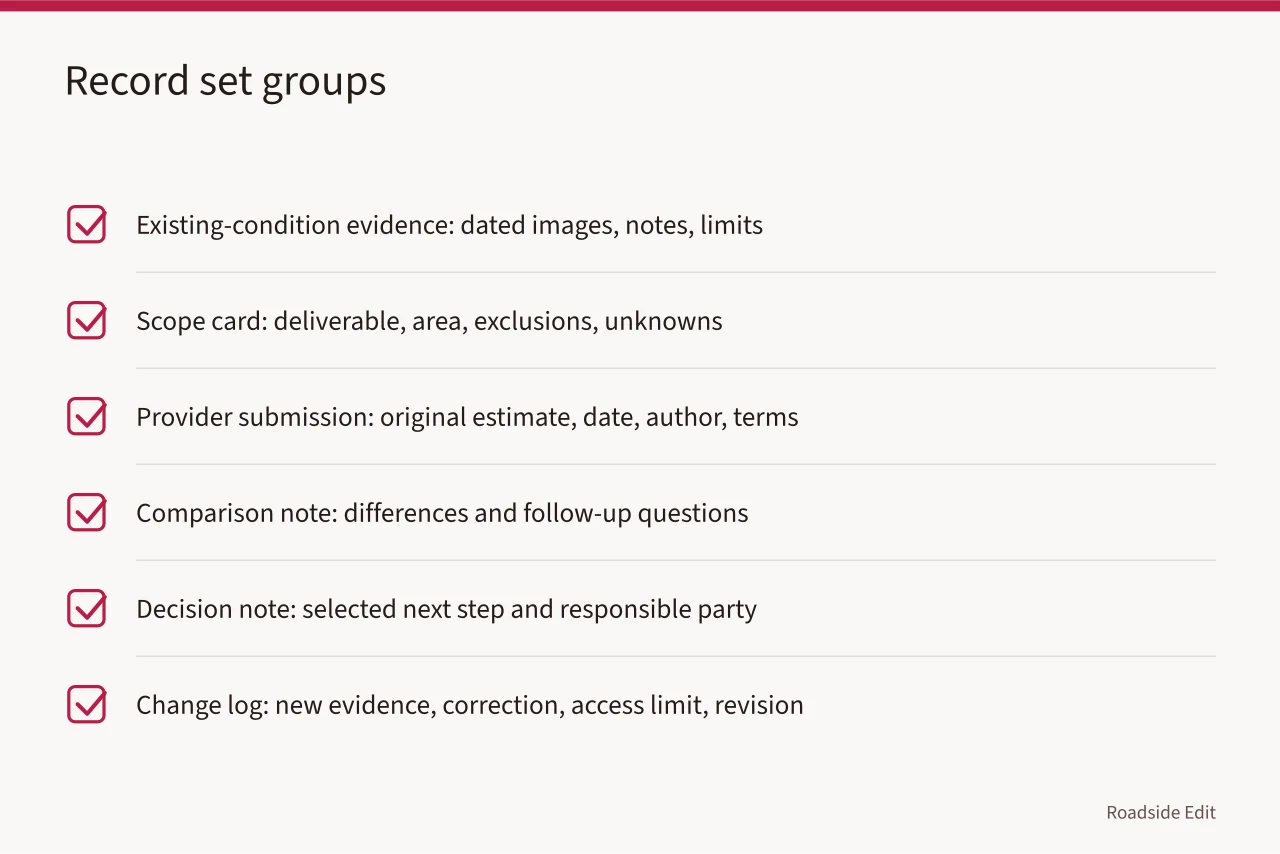
| Record group | What it contains | Why it stays separate |
|---|---|---|
| Existing-condition evidence | Dated images, observation notes, source pages, and visible limits | A view is not a cost or work confirmation |
| Scope card | Requested deliverable, included area, exclusions, and unknowns | Defines what a submission was asked to cover |
| Provider submission | Original estimate, date, author, stated terms, and version | Records an offer, not a final decision |
| Comparison note | Differences between submissions and follow-up questions | Does not change the original documents |
| Decision note | Selected next step and responsible party | Does not prove project completion |
| Change log | New evidence, correction, access limit, or scope revision | Explains why a later figure differs |
National Archives guidance says records related to a project, transaction, study, or subject should be maintained together to preserve their context. Read NARA's recordkeeping requirements. The rule governs federal records. The same organization rule helps a motel cost file: keep the scope, source materials, proposals, and decisions close enough that a later reader can see their relationship.
Do not make a summary sheet the only surviving record. A total may be correct for one version of a scope, but it does not show what the provider excluded or what question was still unresolved.
Record a submitted estimate as a dated statement
An estimate should be treated as a provider's dated description of work under stated conditions. The record must show when it was issued, who prepared it, which scope it answered, and whether it replaced an earlier document. It should not be relabeled "approved" unless the responsible decision record says that.
The Federal Trade Commission advises consumers to get written estimates and says those estimates should include a description of the work, materials, completion date, and price. Read the FTC's estimate guidance. That guidance concerns home-improvement projects, not every motel service. It still gives a useful file check: the record should show the actual work and conditions behind the total.
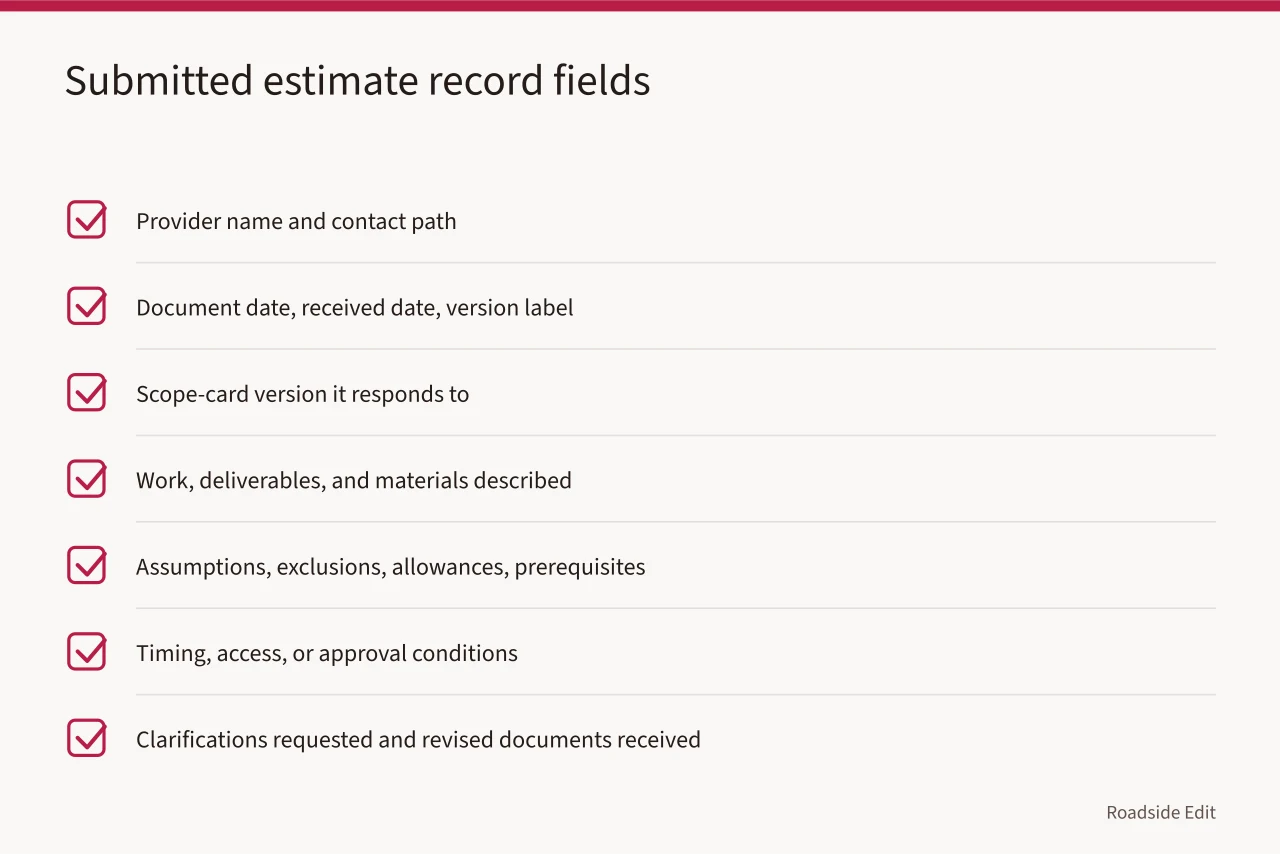
For every submitted estimate, record:
- Provider name and contact path used for the submission.
- Document date, received date, and version label.
- Scope-card version it responds to.
- Work, deliverables, and materials described by the provider.
- Assumptions, exclusions, allowances, or prerequisites.
- Timing, access, or approval conditions stated in the document.
- Clarifications requested and any revised document received.
Do not edit a provider's original scope to make it look comparable with another provider's work. Keep the original. Put your interpretation or question in a separate note.
Make source notes for cost-driving facts
Some cost questions depend on a visible condition, an existing record, an access rule, or a project decision. Those facts need their own source notes. A cost file becomes misleading when it presents a visual observation as a confirmed condition or an owner preference as a technical requirement.
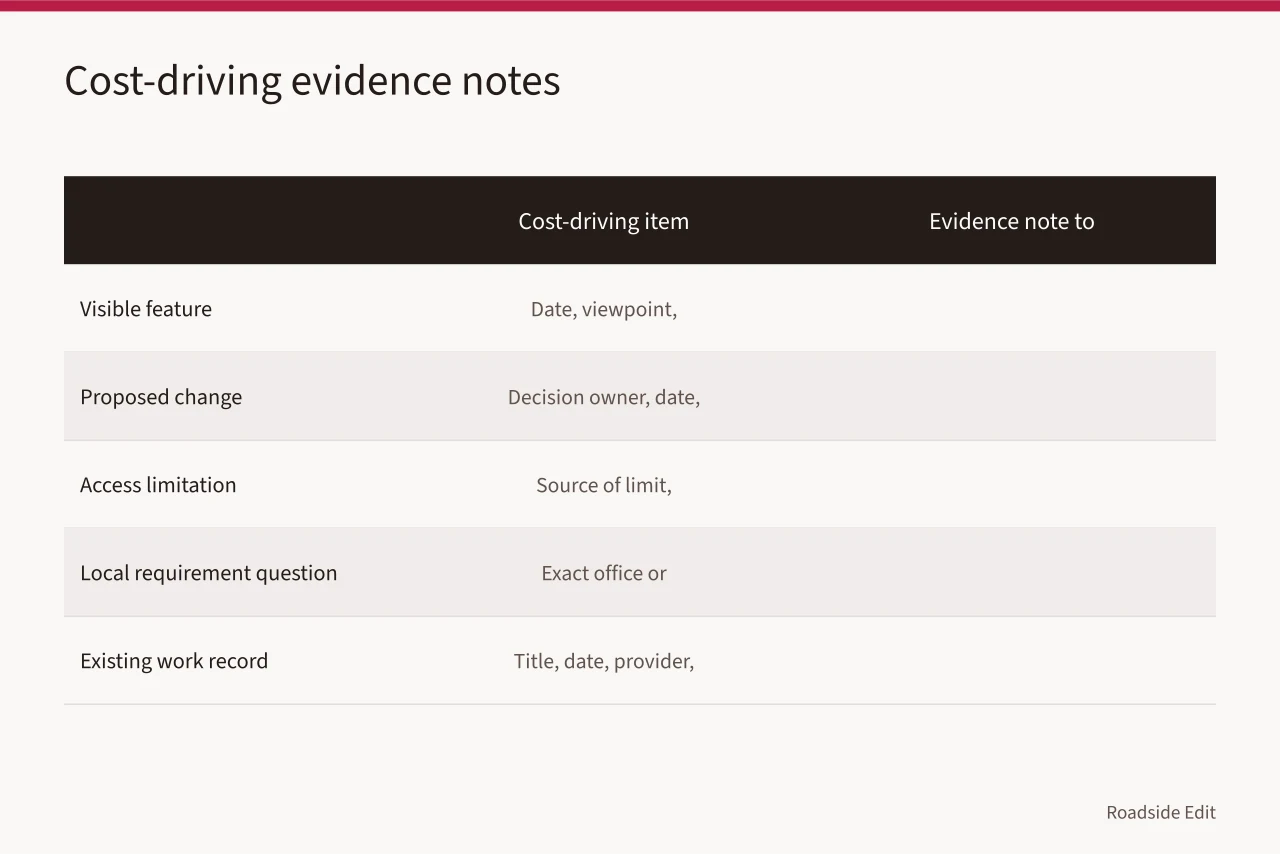
| Cost-driving item | Evidence note to keep |
|---|---|
| Visible feature | Date, viewpoint, exact source image, and what the view does not show |
| Proposed change | Decision owner, date, and whether the idea is an option or a selected direction |
| Access limitation | Source of the limit and how it affects the requested work |
| Local requirement question | Exact office or document checked and the result, if known |
| Existing work record | Document title, date, provider if stated, and claimed work scope |
Use statement labels in the working file:
- Confirmed record: a source directly supports the date or fact.
- Provider submission: a provider stated the item in its document.
- Owner direction: the owner or authorized decision maker asked for a choice.
- Open condition: evidence is not enough to determine scope.
These labels keep a reader from treating one kind of information as another. A provider may state that an allowance is needed. That is not proof that the underlying condition exists. An owner may request a feature. That is not proof that the feature is approved or costed.
Keep scope versions visible
Scope changes are normal. They become expensive when the record cannot show when they happened. Give each scope card a version and date. When a new image, correction, decision, or access condition changes the request, save a new version rather than overwriting the old one.
The NPS construction-document workflow calls for revising its estimate and schedule when a significant interval passes before procurement. Review the NPS construction-document workflow. It is a federal process, not a motel rule. Its underlying lesson is simple: timing can make a cost record stale, so the file should make the date and revision history visible.
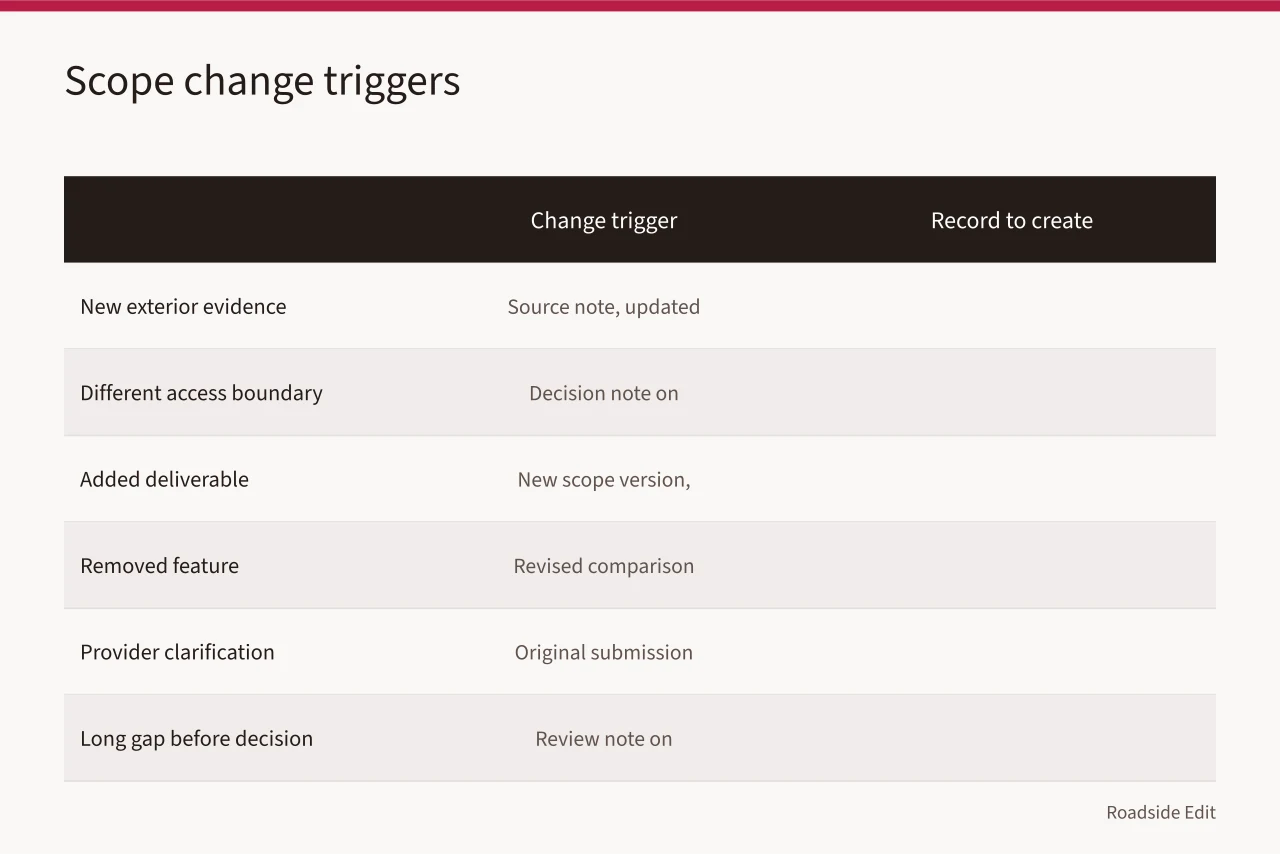
| Change trigger | Record to create |
|---|---|
| New exterior evidence | Source note and updated scope card if the request changes |
| Different access boundary | Decision note identifying what can no longer be included |
| Added deliverable | New scope version and estimate request |
| Removed feature | Revised comparison note showing the changed basis |
| Provider clarification | Original submission plus dated clarification or revision |
| Long gap before decision | Review note stating whether the estimate remains current |
An older document may still be useful for project history. Mark it "superseded for current comparison" rather than deleting it. That language preserves the record without asking a reader to treat it as current.
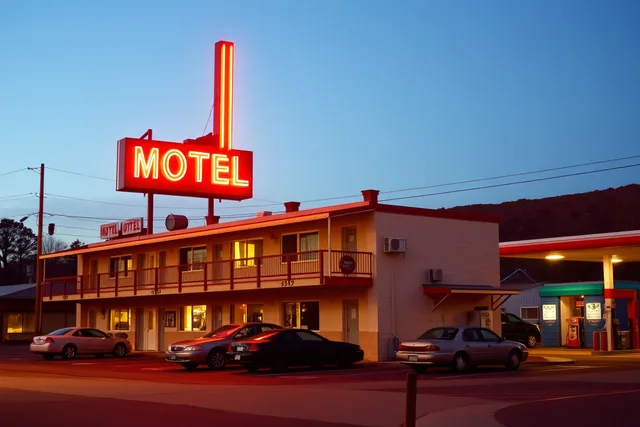
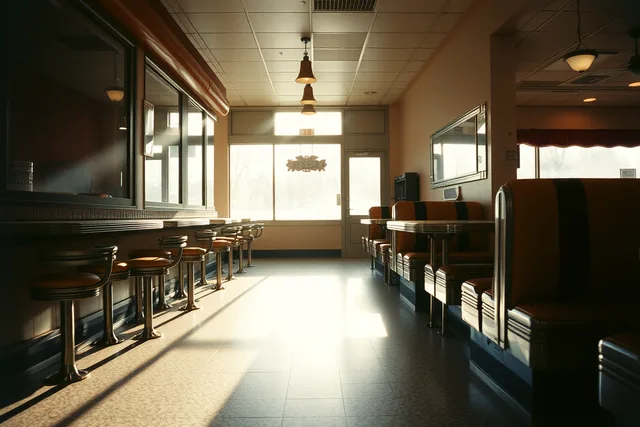
The image is visual context only. It does not establish cost, owner intent, property condition, access, project status, or a basis for any separate motel estimate.
Use a comparison note without rewriting submissions
A comparison note should answer a narrow question: what are the material differences between the documents as submitted? It should not convert estimates into a ranking by total alone. The note needs the scope version, document dates, and a clear way to see which provider included or excluded each item.
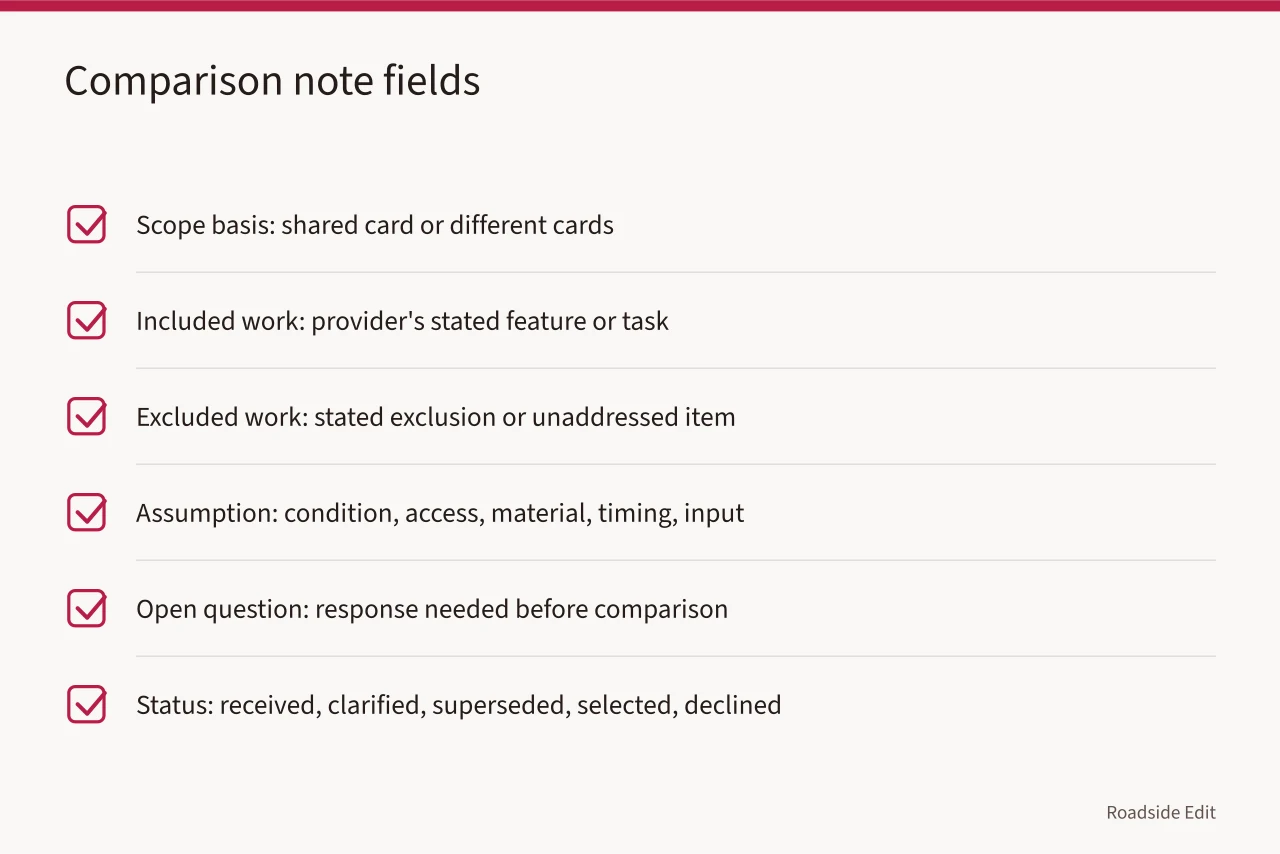
| Comparison field | What to capture |
|---|---|
| Scope basis | The shared card, or the different cards if requests were not the same |
| Included work | Provider's stated feature, task, or deliverable |
| Excluded work | Stated exclusion or item not addressed |
| Assumption | Condition, access, material, timing, or client input assumed |
| Open question | Information that needs a response before the documents can be compared |
| Status | Received, clarified, superseded, selected for next review, or declined |
If no common basis exists, the right result may be "not comparable yet." That is a useful finding. It tells the team to revise the scope card or ask a specific question instead of pretending the totals answer the decision.
Separate commercial material from planning evidence
An advertiser, provider, or business may send copy about services, an expected price, an offer, or a project outcome. Store it in a commercial-submission area with the sender, date, relationship, and disclosure status. Do not place it in the evidence packet as though it independently confirms a property condition or completed project.
For public articles, paid or affiliate relationships should be disclosed near the statement or link that could influence a reader's judgment. For the working record, retain the original submission and the editorial decision. A clear distinction protects both the reader and the project file.
Keep a correction and review history
A correction can affect an estimate if it changes the location, feature, date, image, or stated project status. Record the old claim, new evidence, editorial or project action, and review date. Do not silently replace a number or scope description when the file needs to explain why the change occurred.
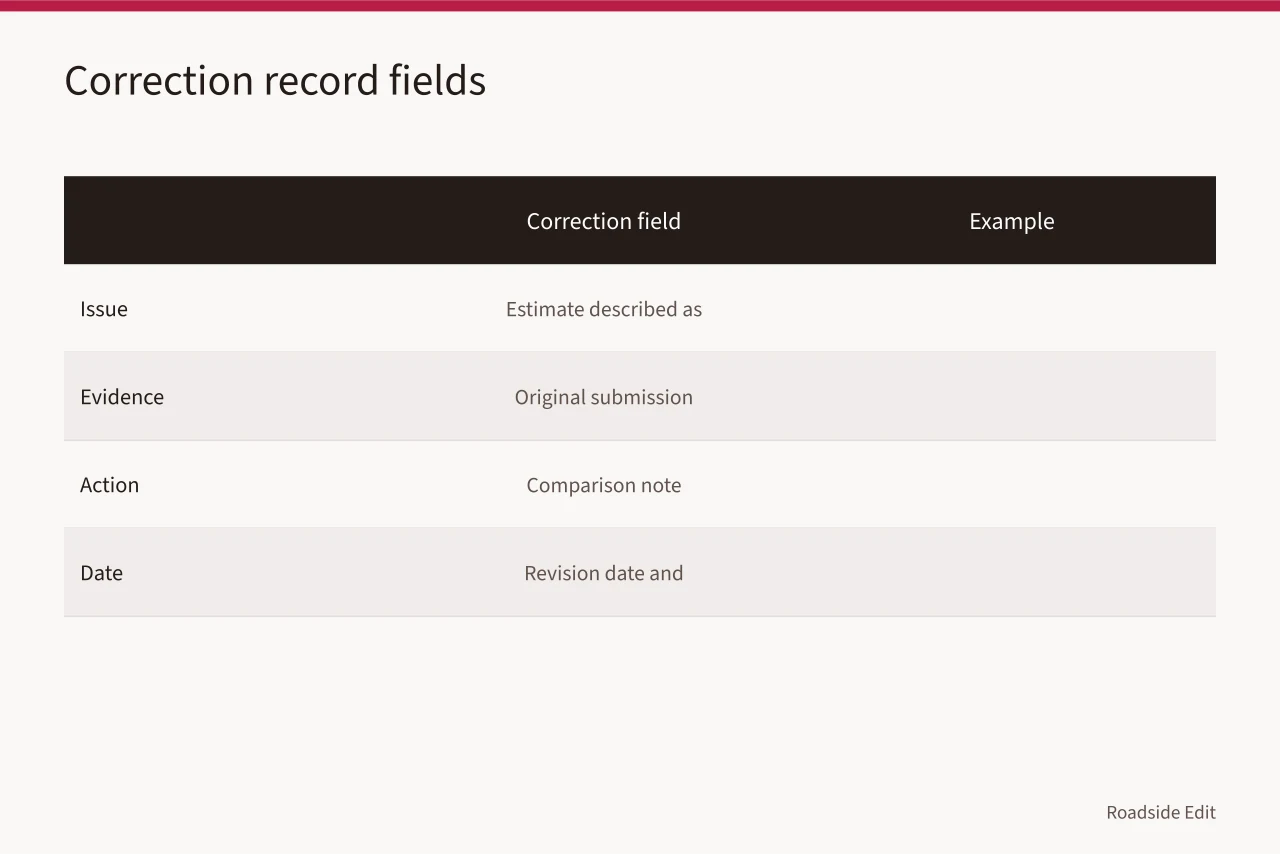
National Archives information-quality guidance says it corrects errors found after publication or provides a correction notice and tracks the change. Read NARA's information-quality guidelines. The policy applies to NARA's information products. A simple motel cost record can use the same pattern: preserve a dated note of the issue, evidence, action, and final wording.
| Correction field | Example |
|---|---|
| Issue | "Earlier file described an estimate as covering the sign and office wall." |
| Evidence | "Original submission lists the sign only." |
| Action | "Comparison note corrected; scope card not changed." |
| Date | "Revision date and responsible editor or project lead." |
Review the full cost file when a decision is due, a new provider responds, or a scope change occurs. This prevents a total from outliving the assumptions that made it meaningful.
Common questions
What is the most important cost record?
Keep the exact submitted document beside the scope version, assumptions, exclusions, and source notes it used. A total without those fields cannot explain itself later.
Should a corrected estimate replace the original file?
No. Retain the original, add the correction or revised version, and mark which record is current for the next comparison.
Does a submitted estimate authorize exterior work?
No. It is a dated document under stated conditions. Authorization, access, contracts, and project requirements need their own records and decisions.